Troubleshooting
When the maintenance message stays after an update
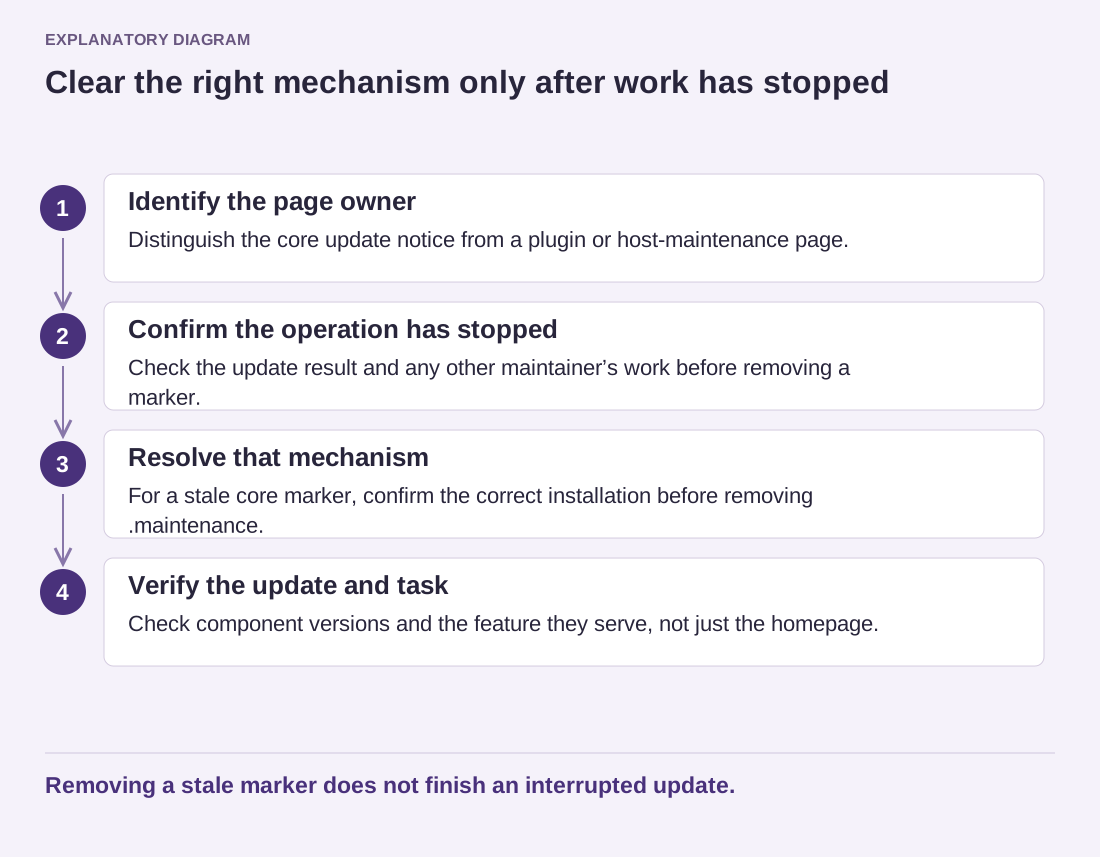
Before removing a maintenance marker, establish whether an update is still running and which message you are actually seeing.
Open guide ↗Independent WordPress guides
Narrow down a problem before changing the whole site.
Troubleshooting
Before removing a maintenance marker, establish whether an update is still running and which message you are actually seeing.
Open guide ↗Troubleshooting
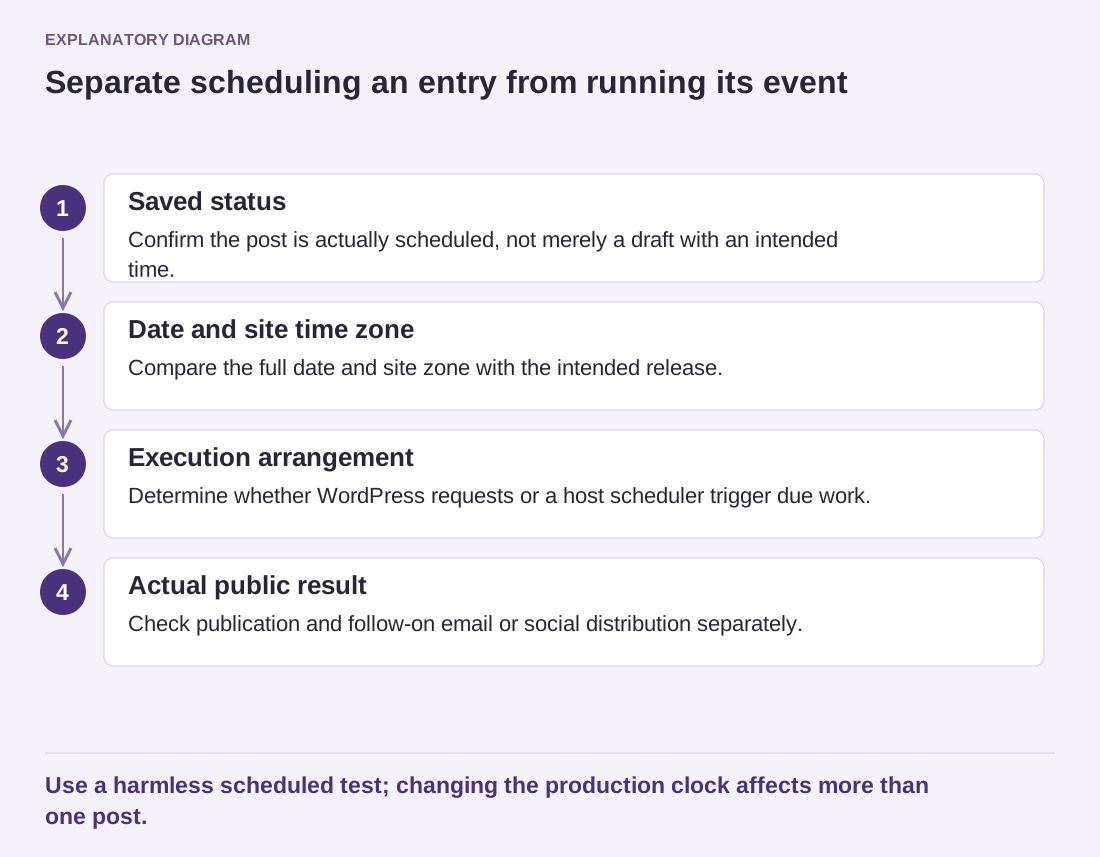
Check the intended time, the saved status and the scheduling mechanism as separate parts of the same problem.
Open guide ↗Troubleshooting
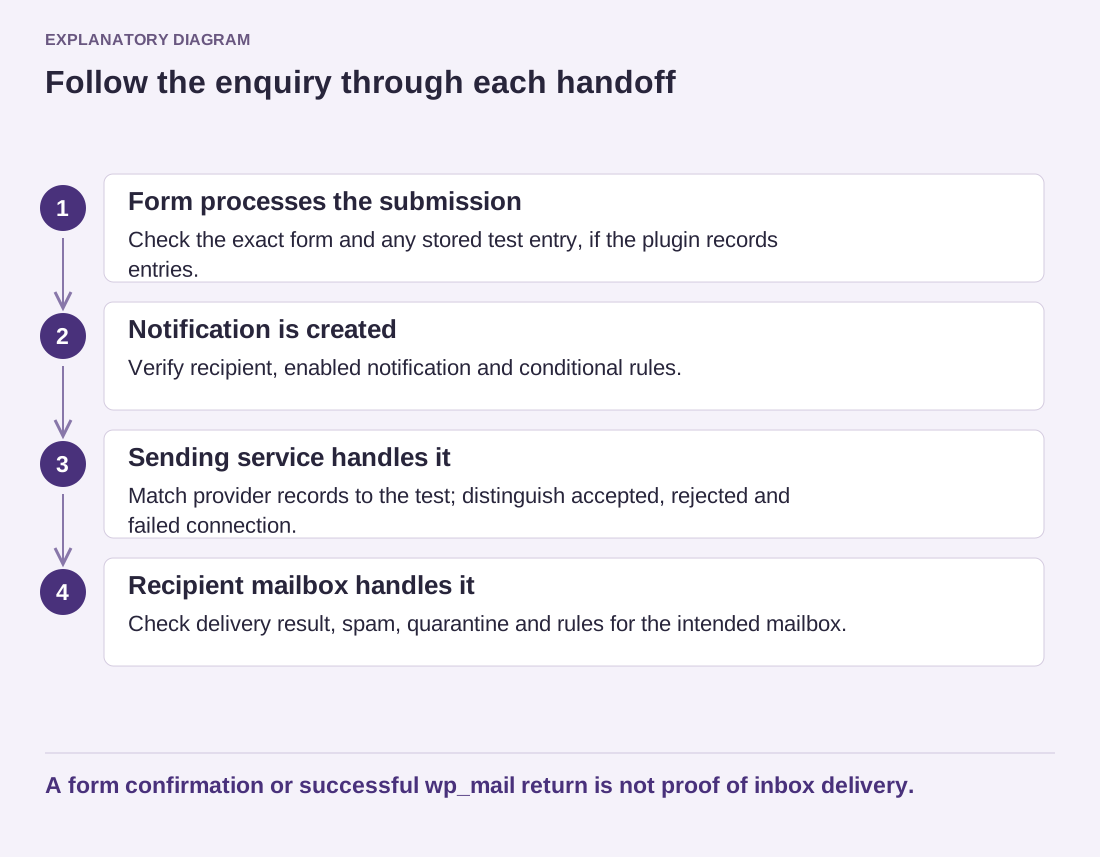
Trace one controlled message through the form, sending service and recipient mailbox instead of repeatedly resending an unknown failure.
Open guide ↗Troubleshooting
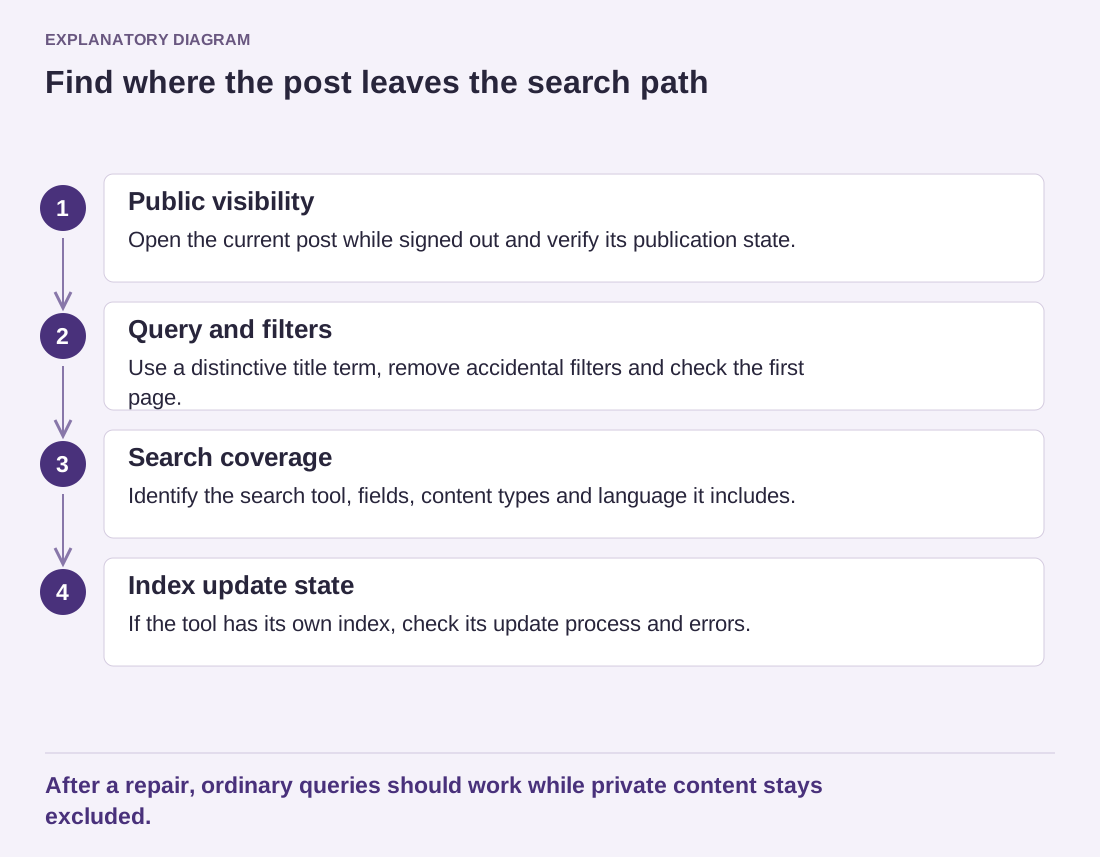
A working public address and a place in search results are different things. Start with the query and the type of content being searched.
Open guide ↗Troubleshooting
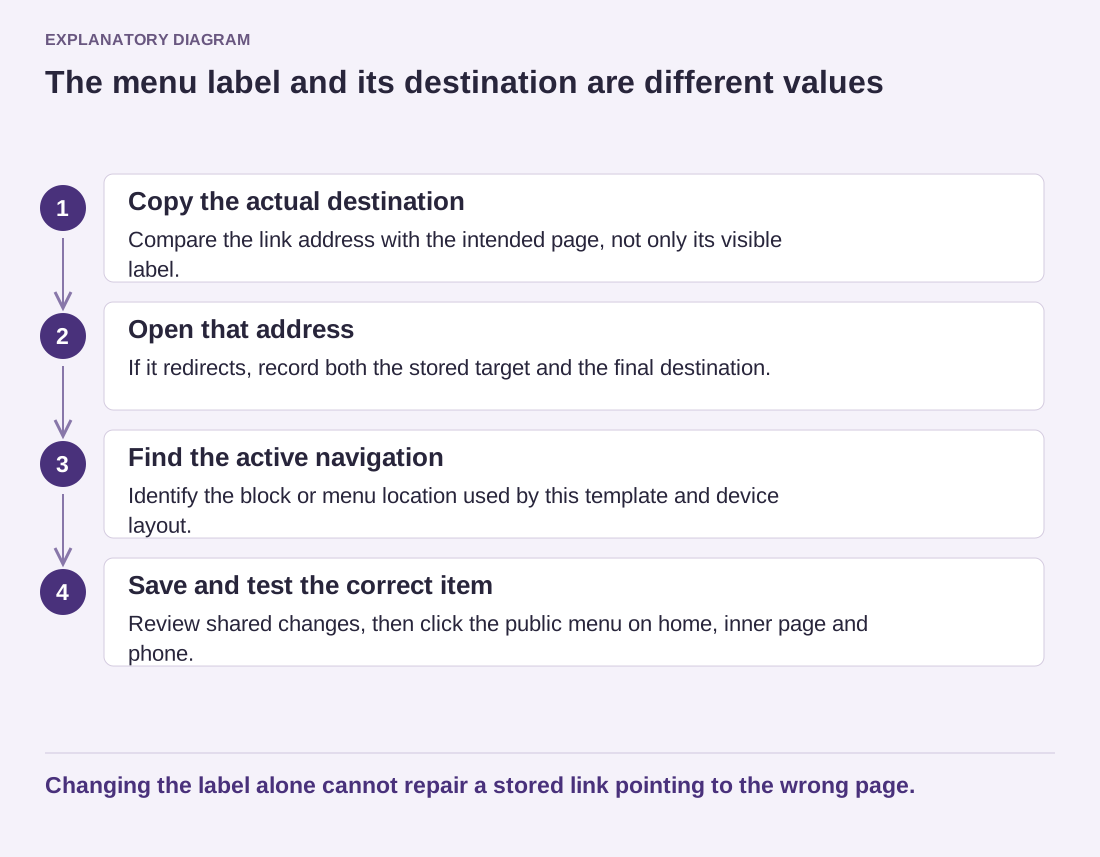
Read the destination attached to the menu item. Its visible label can be correct while the underlying address is outdated.
Open guide ↗Troubleshooting
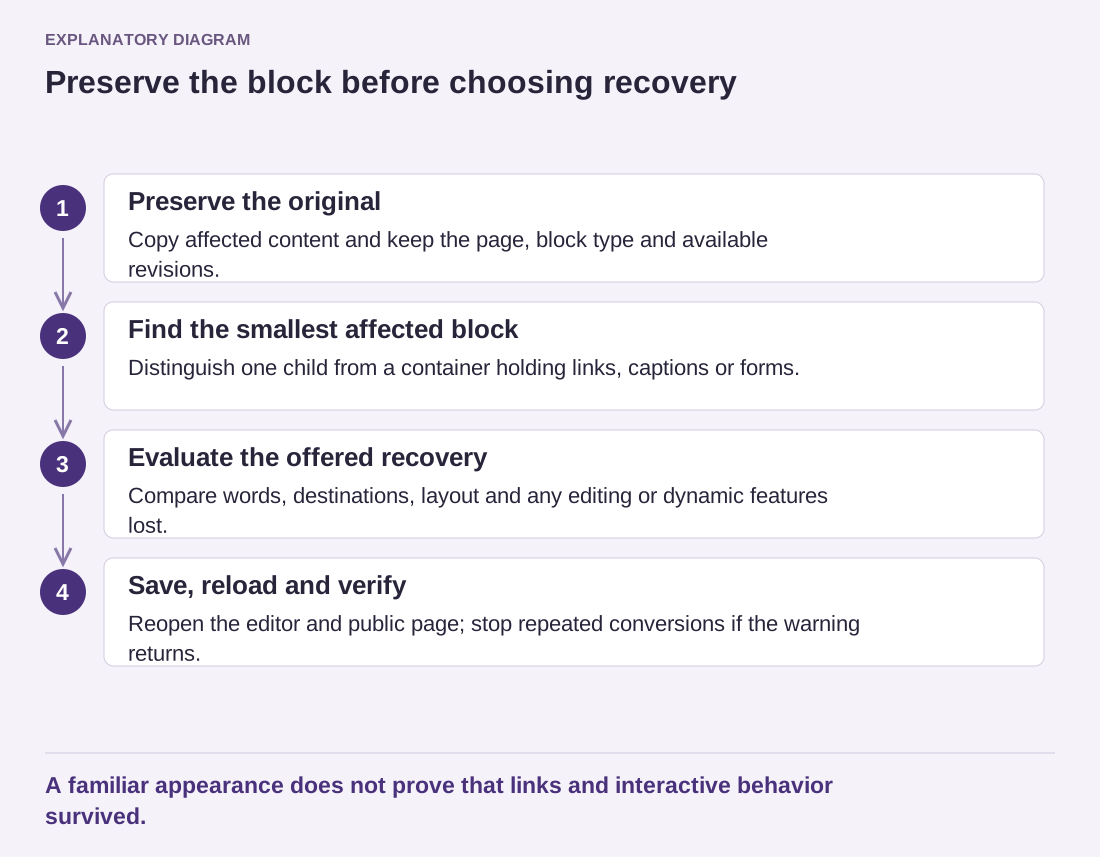
Preserve the current content before asking the editor to recover it. A recovered block still needs a content and layout check.
Open guide ↗Troubleshooting
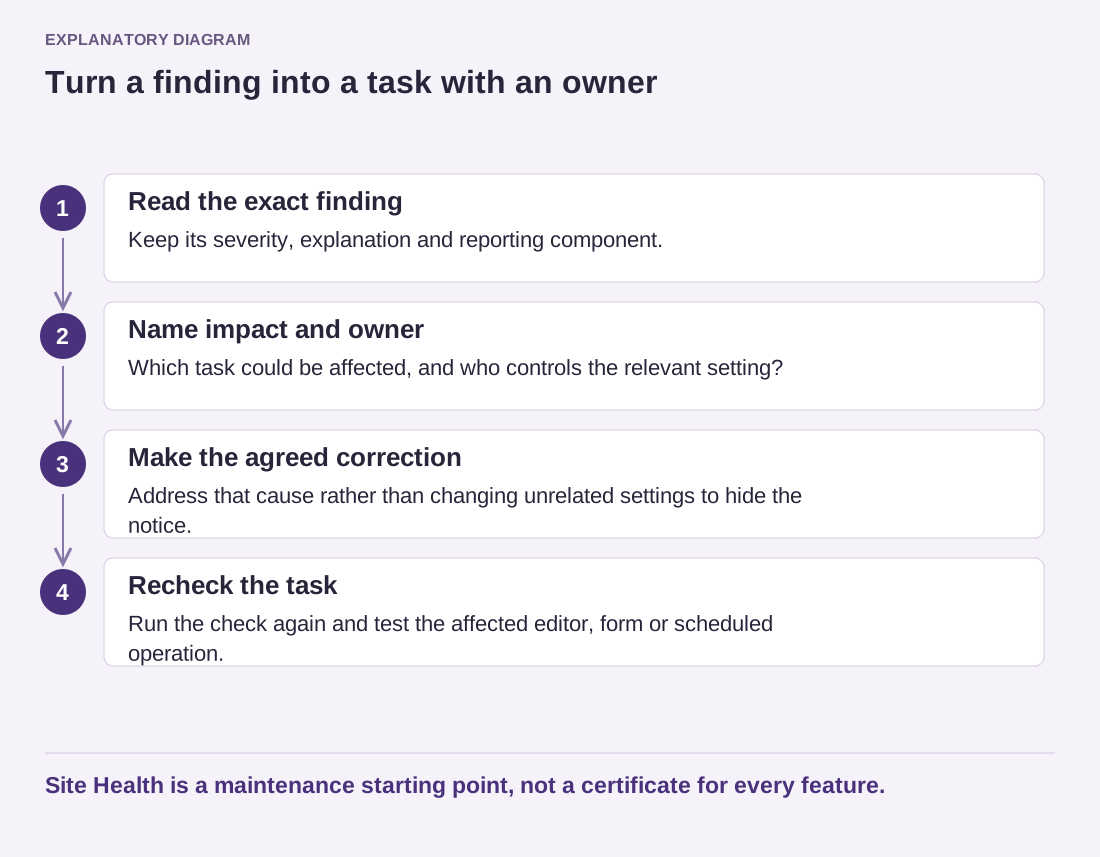
Use the findings to decide what needs attention and who can change it. A cleaner status screen is not a substitute for testing the site.
Open guide ↗Troubleshooting
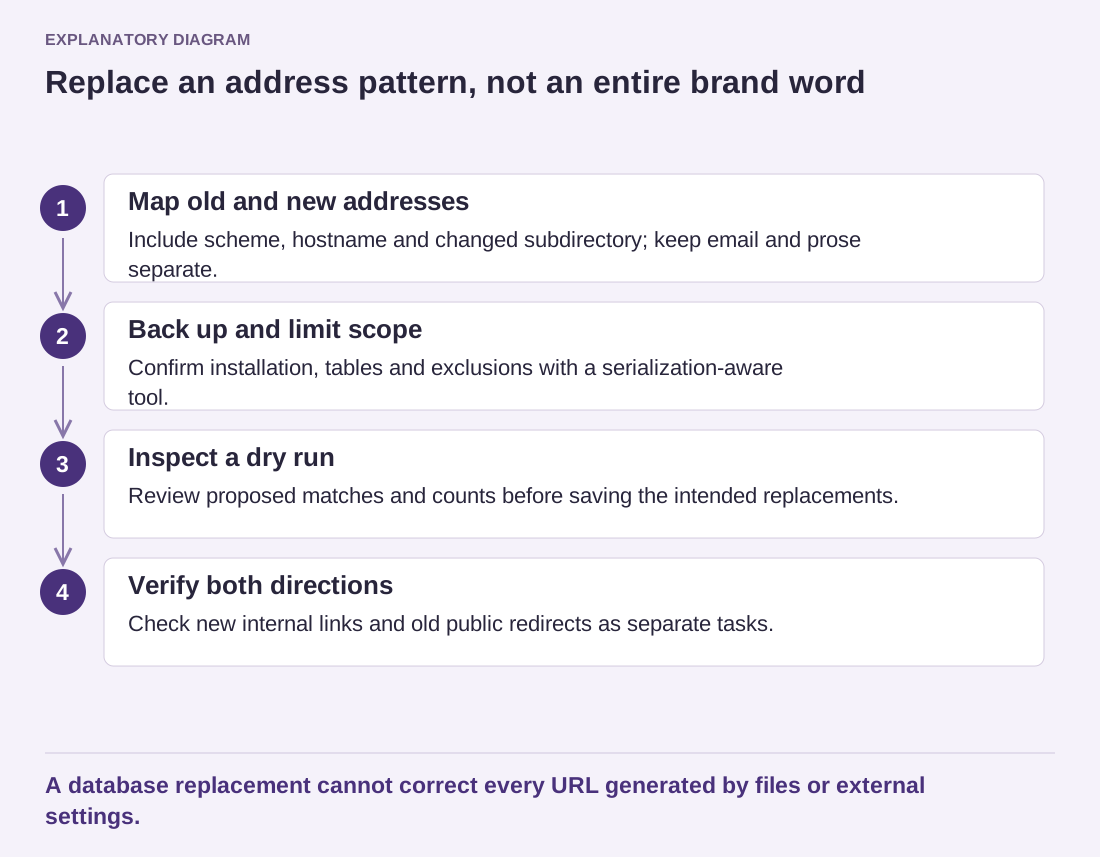
Inventory the old addresses, choose a serialization-aware replacement method and keep deliberate historical references out of the change.
Open guide ↗