The announcement was supposed to appear this morning, but its public address still shows nothing. Before changing server settings, open the post and read its saved status and publication time. A draft that was never scheduled and a scheduled post whose event did not run need different fixes.
Compare the displayed time with the site's time zone, not just the clock on your computer. A collaborator in another country may have understood “nine o'clock” differently. Record the date as well; a mistaken month or year can be easy to overlook when the hour looks correct. If the content is now urgent, decide whether to publish it manually before continuing the investigation.
Look beyond one post
WordPress uses scheduled events for work that is due later. In a typical setup, visits that execute WordPress help trigger the check for due work rather than a continuously running timer inside WordPress. A response served entirely by an upstream cache may not reach that check. Some hosts arrange a separate server task to run scheduled work. Find out which arrangement your site uses before adding a second mechanism or disabling the existing one.
Ask whether other scheduled work was delayed at the same time. If backups, publishing and another timed task all missed their windows, investigate the common scheduling path with the host. If only one post was affected, its saved status and event history deserve a closer look. Neither pattern proves the cause, but it helps choose the next useful check.
Suppose a low-traffic announcement site misses an early-morning release, yet publishes shortly after someone visits. That pattern is worth reporting to the host along with the planned and actual times. It does not justify promising that every future post will appear at an exact second. A publishing workflow with strict deadlines needs a scheduling arrangement and monitoring appropriate to that requirement.
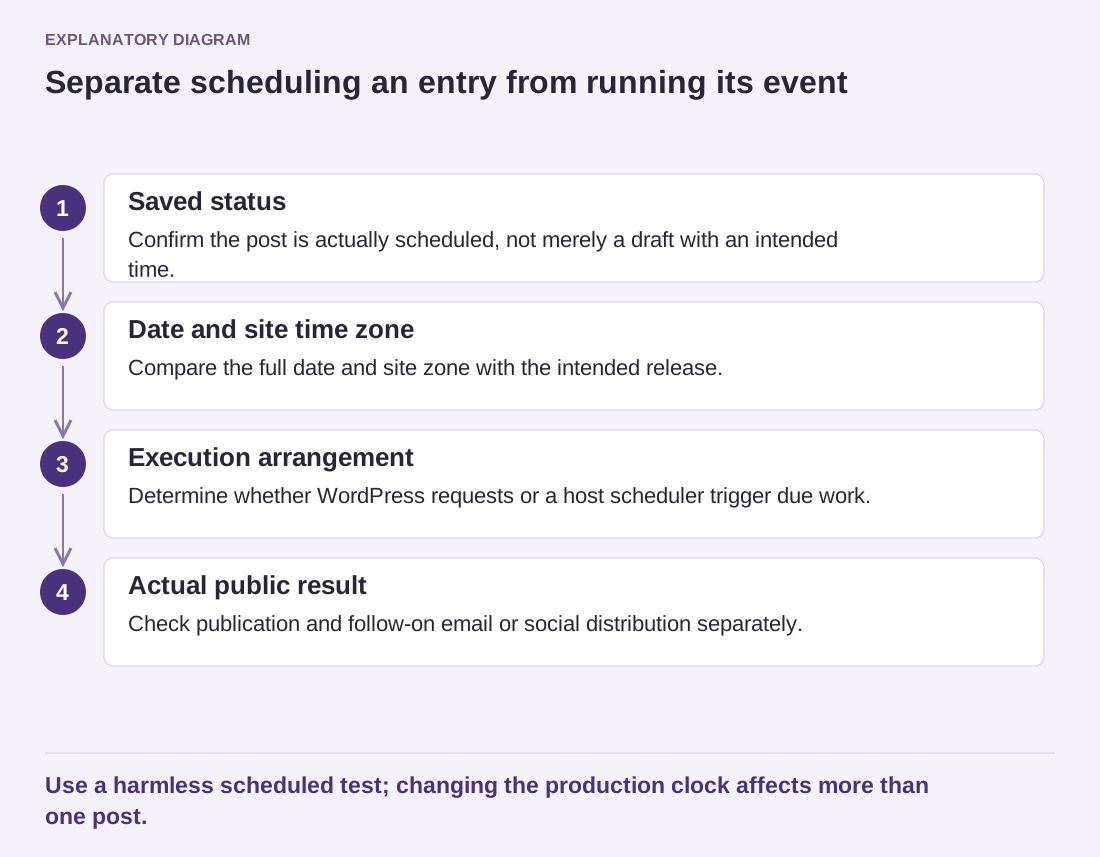
Read the diagram as text
- Saved status: Confirm the post is actually scheduled, not merely a draft with an intended time.
- Date and site time zone: Compare the full date and site zone with the intended release.
- Execution arrangement: Determine whether WordPress requests or a host scheduler trigger due work.
- Actual public result: Check publication and follow-on email or social distribution separately.
Use a harmless scheduled test; changing the production clock affects more than one post.
Verify the next event without creating a public surprise
Use a harmless test post on a suitable test site, with a clear future time. Confirm that it is genuinely scheduled, then observe what happens using the host's normal arrangement. Do not test by publishing private material or by repeatedly changing the production clock. Changing the site's time zone can affect more than the one post under investigation.
After the cause is addressed, check the real post's public page and any follow-on distribution separately. A published article does not prove that a newsletter or social integration also ran. Note the final status, the actual publication time and whether any time-sensitive references in the text need updating. That closes the editorial problem as well as the technical one.