A blank page does not identify a single WordPress fault. A PHP failure, a database problem or an interrupted response can produce similar appearances. Reinstalling software immediately may leave the cause untouched while changing useful evidence.
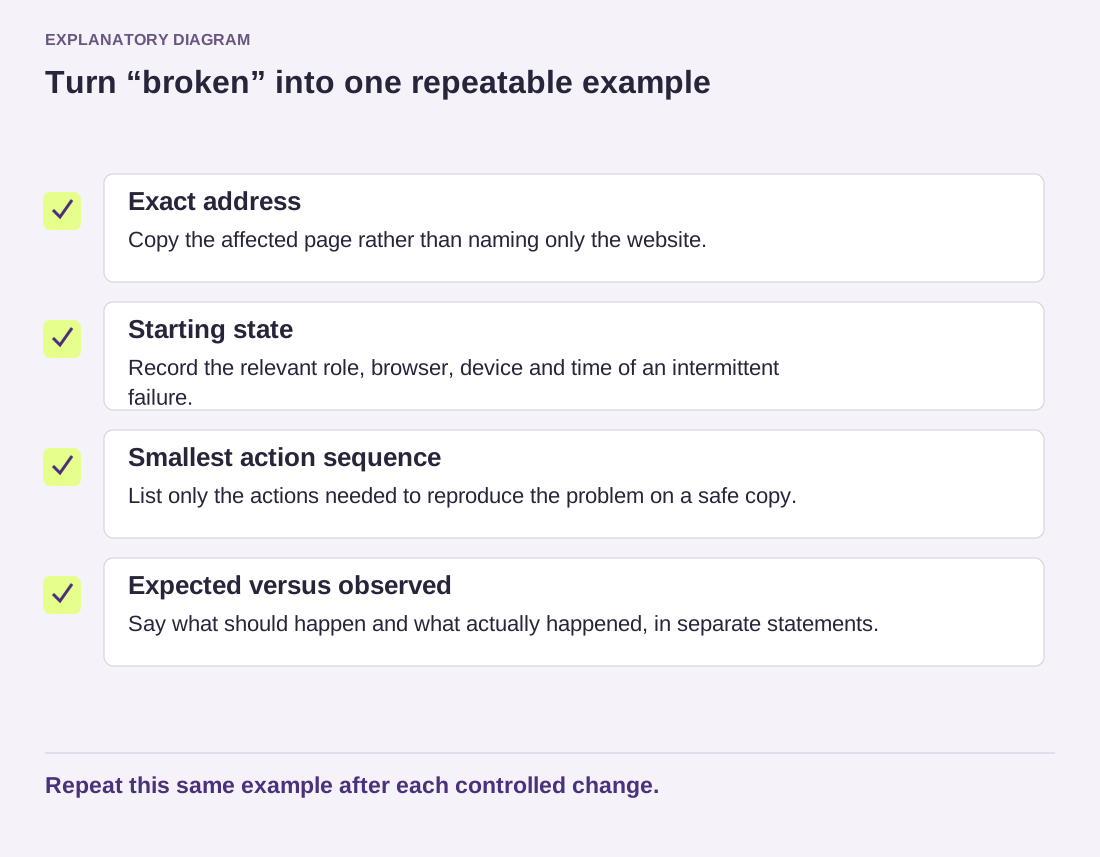
Establish the scope first. Does the homepage fail, one article fail or the administration area fail? Does the page remain blank for another browser or visitor? Record the exact address and time. Avoid repeatedly refreshing a process that might be creating transactions or other side effects.
If you can inspect the response, note its HTTP status and whether any content was returned. A server error and an empty successful response are different clues. You do not need to interpret every header yourself; a precise observation helps the hosting provider investigate.
Find the relevant error record
Check the authorized hosting error logs or ask support to locate the event at the recorded time. WordPress debugging can provide additional information when configured appropriately, but errors and private paths should not be displayed publicly. Follow the official guidance or have the maintainer enable controlled logging.
Look at recent legitimate changes: a plugin update, custom code edit, PHP change or migration. Preserve a current copy before attempting repairs where feasible. If a specific component is implicated, use a reversible diagnostic action in a safe environment rather than deleting unrelated folders.
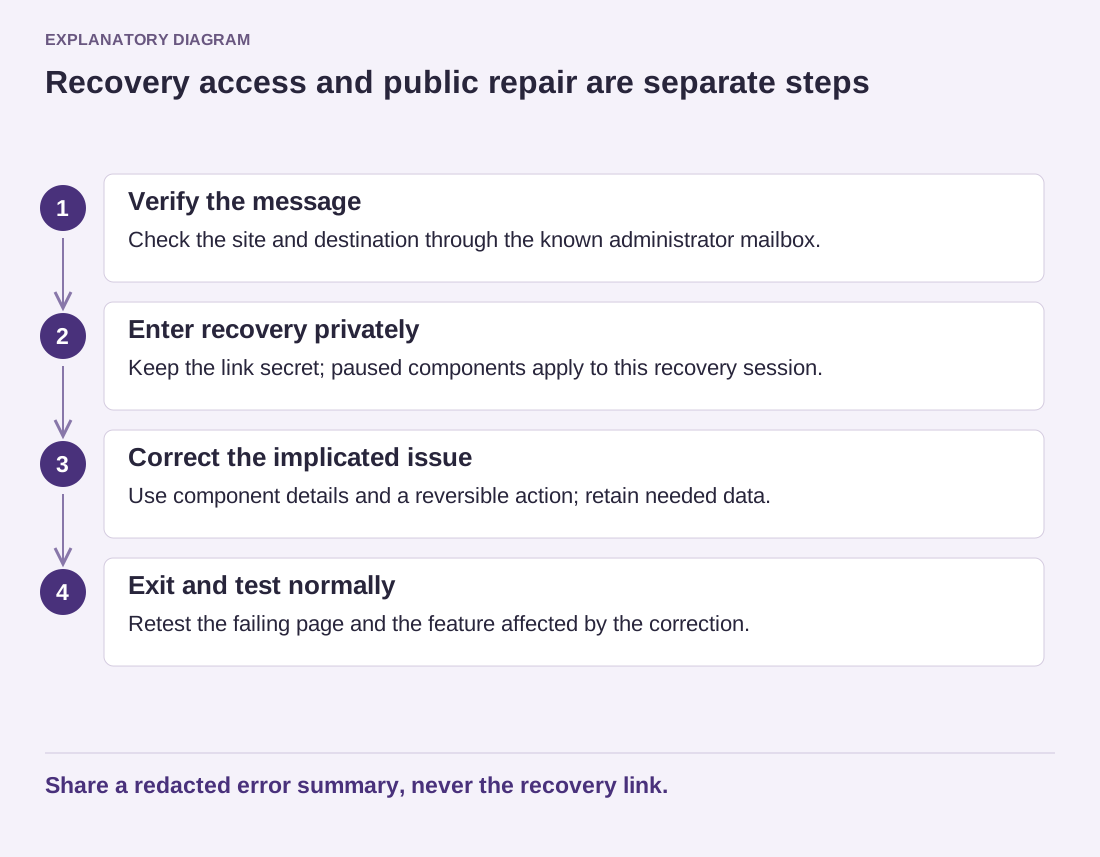
Check for a WordPress recovery email if the failure matches a fatal error covered by Recovery Mode. Its absence does not rule out a serious error; mail may fail or the error may occur outside the conditions that trigger that mechanism.
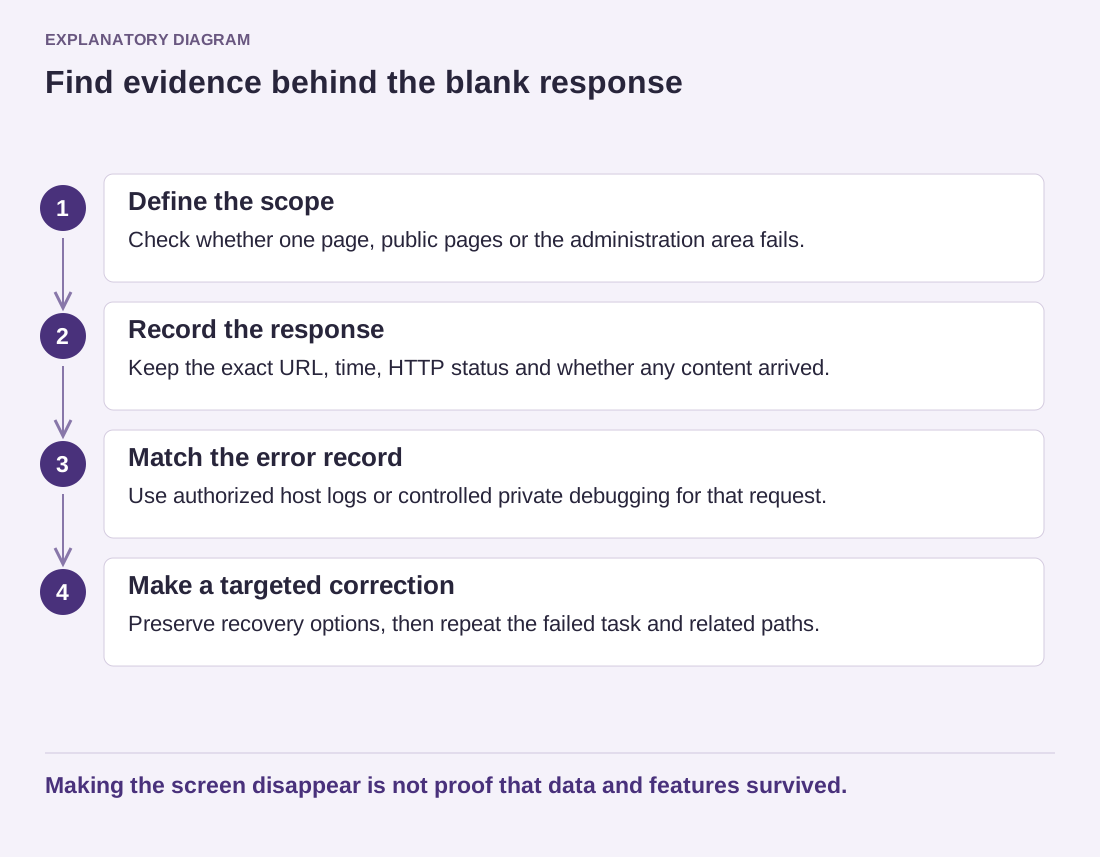
Read the diagram as text
- Define the scope: Check whether one page, public pages or the administration area fails.
- Record the response: Keep the exact URL, time, HTTP status and whether any content arrived.
- Match the error record: Use authorized host logs or controlled private debugging for that request.
- Make a targeted correction: Preserve recovery options, then repeat the failed task and related paths.
Making the screen disappear is not proof that data and features survived.
After a targeted correction, repeat the original failing request and check other important paths. Keep a record of the error and the change that resolved it. Remove temporary public diagnostics and secure any logs created during the investigation.
If the site contains valuable new data, discuss the consequences before restoring an older backup. A restore may return the page while discarding records created afterward. The objective is to recover the service with the least unnecessary loss, not merely to make a white screen disappear.