A visitor sees a confirmation, but nobody receives the enquiry. The form has reported something about its own processing; it has not necessarily established that the recipient's mailbox accepted the message. Treat the route as several handoffs, each of which needs its own evidence.
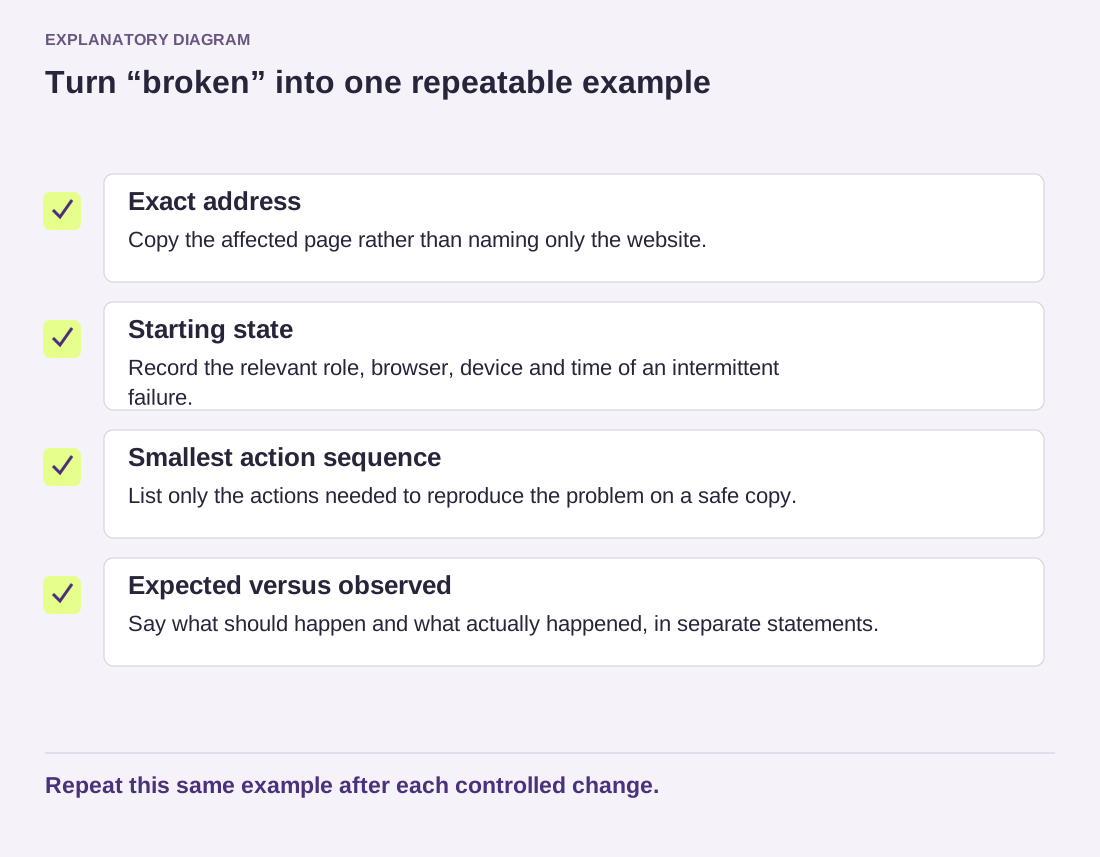
Make one controlled submission using a recognizable subject and an address you own. Write down the time and time zone. Avoid customer details and attachments for the first test. A short, harmless message is easier to trace and reduces the amount of private material copied into logs or support tickets.
Did the form create the intended notification?
Review the notification settings for that exact form. Confirm the recipient address, any conditional rule and whether the notification is enabled. Two similar forms can have different destinations. A preview form in staging may also be intentionally prevented from sending email. Verify which environment received your test before treating a deliberate restriction as a delivery failure.
If the plugin stores submissions, check whether the test appears there. Not every plugin records them, and an absent storage feature is not itself an error. A stored entry confirms that data reached that part of the workflow; it still does not demonstrate that a notification was sent. Keep those conclusions separate when reporting the result.
Did the sending service accept the message?
WordPress can pass mail to an underlying delivery system. A successful return from its mail function is not a guarantee that the final recipient received the message. If a mail or SMTP integration is configured, consult its records or the provider's dashboard for the same timestamp. Look for an accepted message, a rejection or a connection failure, rather than a vague overall green status.
Ask the host which service actually handles outgoing mail. If credentials or an API connection have expired, update them through the authorized configuration interface; never paste them into a public support thread. Check the service's own requirements for the sender address and domain authentication. Do not improvise DNS records from a tutorial for another provider, because the required values depend on your sending arrangement.
Did the recipient accept or filter it?
Check spam, quarantine, mailbox rules and any bounce report. A successful test to one mailbox and a failed test to another is a useful distinction. Ask the sending provider for the delivery result or message identifier if available. The recipient's administrator may need that identifier and the time to investigate; they do not need your WordPress administrator password.
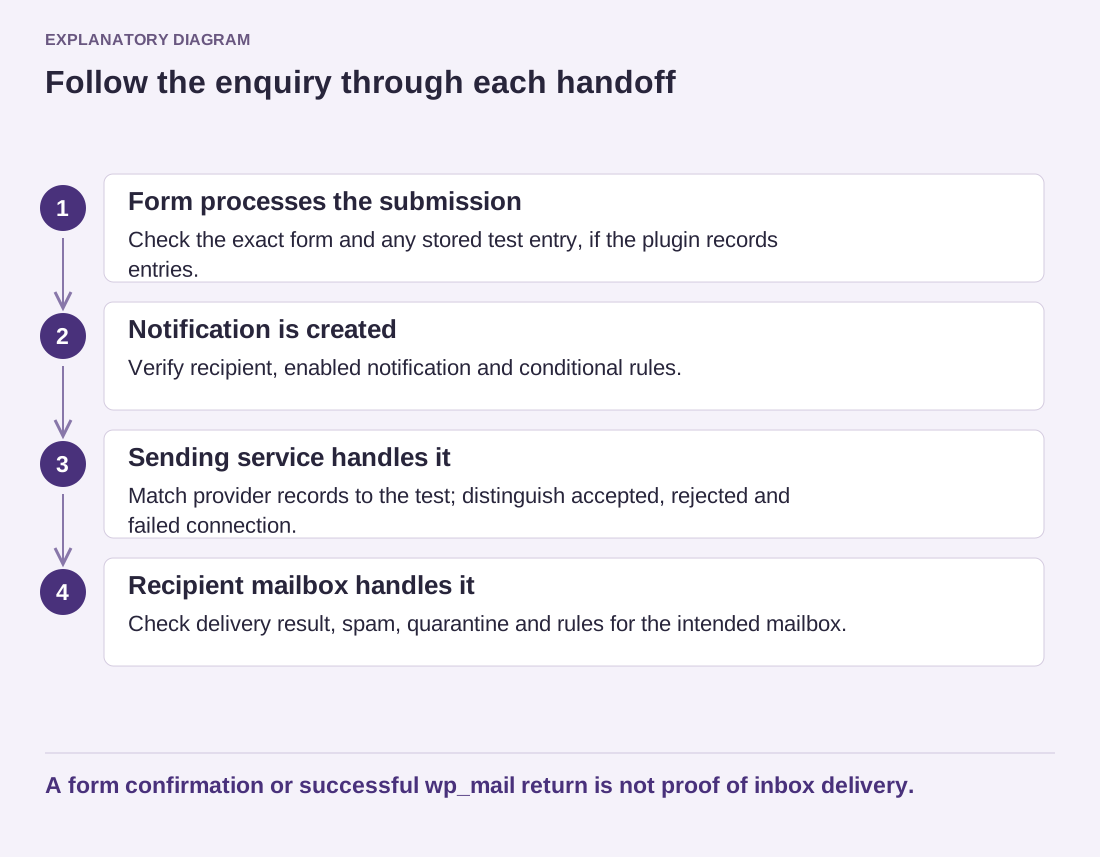
Read the diagram as text
- Form processes the submission: Check the exact form and any stored test entry, if the plugin records entries.
- Notification is created: Verify recipient, enabled notification and conditional rules.
- Sending service handles it: Match provider records to the test; distinguish accepted, rejected and failed connection.
- Recipient mailbox handles it: Check delivery result, spam, quarantine and rules for the intended mailbox.
A form confirmation or successful wp_mail return is not proof of inbox delivery.
For example, the form can save an enquiry, the mail service can accept it, and a recipient rule can move it into an overlooked folder. Changing the form plugin would not address that case. Conversely, a misspelled notification address should be corrected at the form rather than by altering server-wide mail settings. Follow the evidence to the handoff that failed.
Once a correction is made, send a new controlled message and verify arrival in the intended mailbox. Test the visitor confirmation separately so it promises only what the workflow can support. Then review any legitimate enquiries that may have been stored during the outage, following your normal privacy and retention practices. Restoring future delivery does not automatically recover earlier messages that were never retained.