The editor reports unexpected or invalid content inside one block. Do not begin by deleting the block and hoping its contents will return. Copy the affected content to a safe place, note the block type and keep the current page available for comparison. If revisions exist, they may provide another reference, but do not assume every revision you need has been retained.
This message can arise when the stored markup differs from what the block expects. Manual HTML changes, pasted formatting or a change in the code that provides the block can be relevant. The warning alone does not identify which of those happened, and it does not necessarily mean that every part of the published page is broken.
Inspect the smallest affected piece
Find out whether the warning belongs to a single paragraph, a custom block or a container holding several blocks. Recovering a large container can affect more content than repairing one child. Take particular care with a section containing links, image captions or form-related material. Visual similarity is not enough if a destination or setting has changed.
If the issue followed an update to a plugin that supplies the block, record the plugin and block versions where possible and consult its maintainer's guidance. Repeatedly converting the block may conceal a compatibility problem while making the original state harder to reproduce. A copy on a test page gives you room to investigate without repeatedly altering the live article.
Compare the recovery result
The editor may offer recovery or conversion options, depending on the block and version. Read what the option proposes before accepting it. Converting to HTML is not the same as retaining all of a custom block's editing controls or dynamic behavior. It can preserve markup while changing how future editors must work with that content.
For example, a paragraph with a manually added style might be recoverable by removing the unexpected markup. Compare the words, links and intended emphasis afterward. A complex promotional block supplied by a plugin deserves a different review: check its destination, responsive layout and any interactive behavior, not just its appearance in the editor.
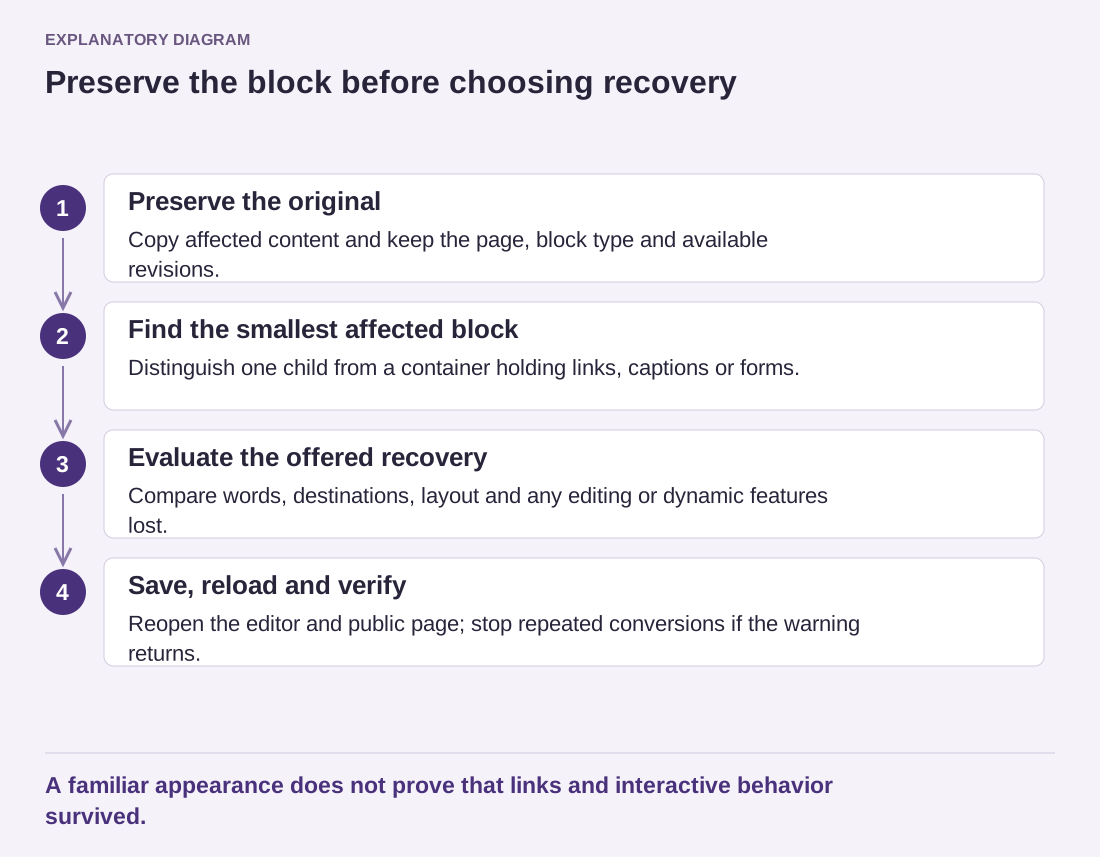
Read the diagram as text
- Preserve the original: Copy affected content and keep the page, block type and available revisions.
- Find the smallest affected block: Distinguish one child from a container holding links, captions or forms.
- Evaluate the offered recovery: Compare words, destinations, layout and any editing or dynamic features lost.
- Save, reload and verify: Reopen the editor and public page; stop repeated conversions if the warning returns.
A familiar appearance does not prove that links and interactive behavior survived.
Save only when the result is acceptable, then reload the editor and inspect the public page. If the warning immediately returns, keep the reproducible example and stop repeating the same conversion. Send the maintainer a copy stripped of private information, the steps that trigger the warning and the relevant software versions. The aim is to preserve the content and restore a dependable editing workflow, not merely to make the warning disappear once.