Copy the address of the missing post and open it while signed out. If it is unavailable there, investigate its publication and visibility before the search engine inside your site. An administrator can see content that an ordinary visitor cannot, so a successful logged-in preview is not enough.
Once the public page is confirmed, save the exact search phrase and the results address. Remove accidental filters and return to the first results page. Search for a distinctive word in the title rather than a broad phrase that matches dozens of articles. A post on a later page is a ranking or browsing issue, not the same as an excluded post.
Identify the search being used
The site's search may come from the theme's normal WordPress query, a plugin with its own index or an external service. Those systems do not necessarily search the same fields or content types. A term printed in an image, a custom field or a downloadable PDF may not be searchable in the current arrangement. Check the relevant system's documented coverage rather than assuming all visible material is indexed.
Custom post types can also have their own search behavior. For example, a site might publish ordinary articles alongside a separate resource library. Resource pages can have working public addresses while being excluded from the search used for articles. Confirm whether that separation was intentional before changing it; a broader search may expose content the site owner meant to keep out of its general listings.
Compare one missing item with one working item
Choose two similar entries and note their status, content type, language and relevant category. Run the same sort of title search for each. If one was just published and the search tool builds an index separately, check its update process and errors. Do not rebuild or delete an index blindly on a busy site without knowing the tool's behavior and recovery options.
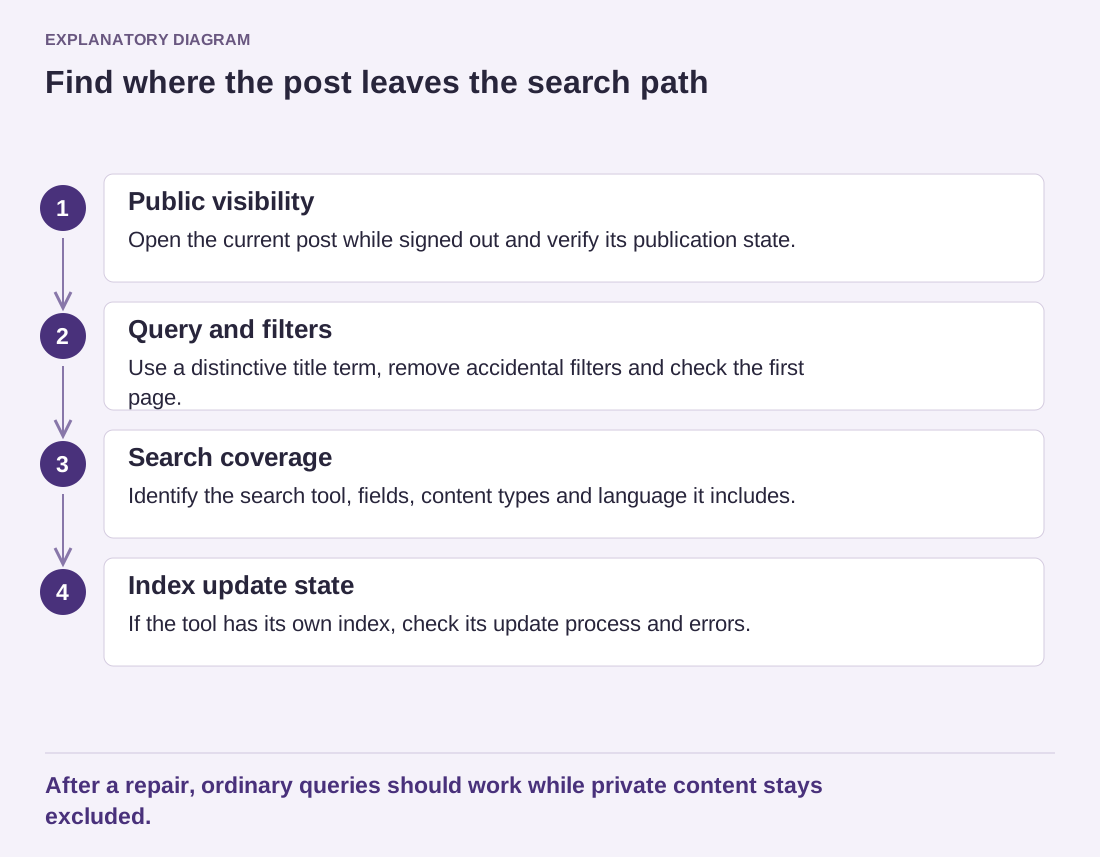
Read the diagram as text
- Public visibility: Open the current post while signed out and verify its publication state.
- Query and filters: Use a distinctive title term, remove accidental filters and check the first page.
- Search coverage: Identify the search tool, fields, content types and language it includes.
- Index update state: If the tool has its own index, check its update process and errors.
After a repair, ordinary queries should work while private content stays excluded.
For a useful report, include the expected post, the phrase that should find it and an example that does appear. This makes the discrepancy testable. “Search does not work” leaves the maintainer guessing whether the issue is filtering, indexing, relevance or the results template.
After a change, repeat the original query as a visitor and check a few ordinary queries as well. Verify that private or draft content remains excluded. Search visibility inside your site is separate from inclusion in Google or another external search engine; fixing one does not automatically fix the other.