A page works with a default theme and fails with the usual one. That is useful evidence. It is not yet proof that the theme alone caused the fault. The replacement may simply stop loading a particular template, script or plugin feature, so the operation that failed never happens.
Run this comparison on a staging copy when possible. Record the active theme, any child theme, the page address and the exact action that produces the problem. A photograph of the broken layout helps, but include what you clicked and whether you were signed in. Keep the original theme installed so the experiment has a clear return path.
Keep the task the same
Suppose a booking button fails on a service page. After switching themes, check that the same booking button is still present, uses the same form and submits the same details. If the new theme displays only the article text, an error-free page tells you very little about the booking problem. Test the feature, not merely whether the homepage opens.
Leave unrelated settings alone during this comparison. Updating several plugins, changing PHP and replacing the theme together may produce a working site, but it destroys the useful contrast between the two runs. If an urgent repair requires several changes, record them honestly rather than claiming to have isolated a cause.
Account for what themes control
Posts and pages are not the same thing as the templates that display them. A new theme can use different layouts, navigation locations and styling. Theme-specific functionality may also disappear. These changes can be expected consequences of the experiment rather than additional failures. Before restoring the original design, keep a short note of which behavior changed and which remained.
Read the diagram as text
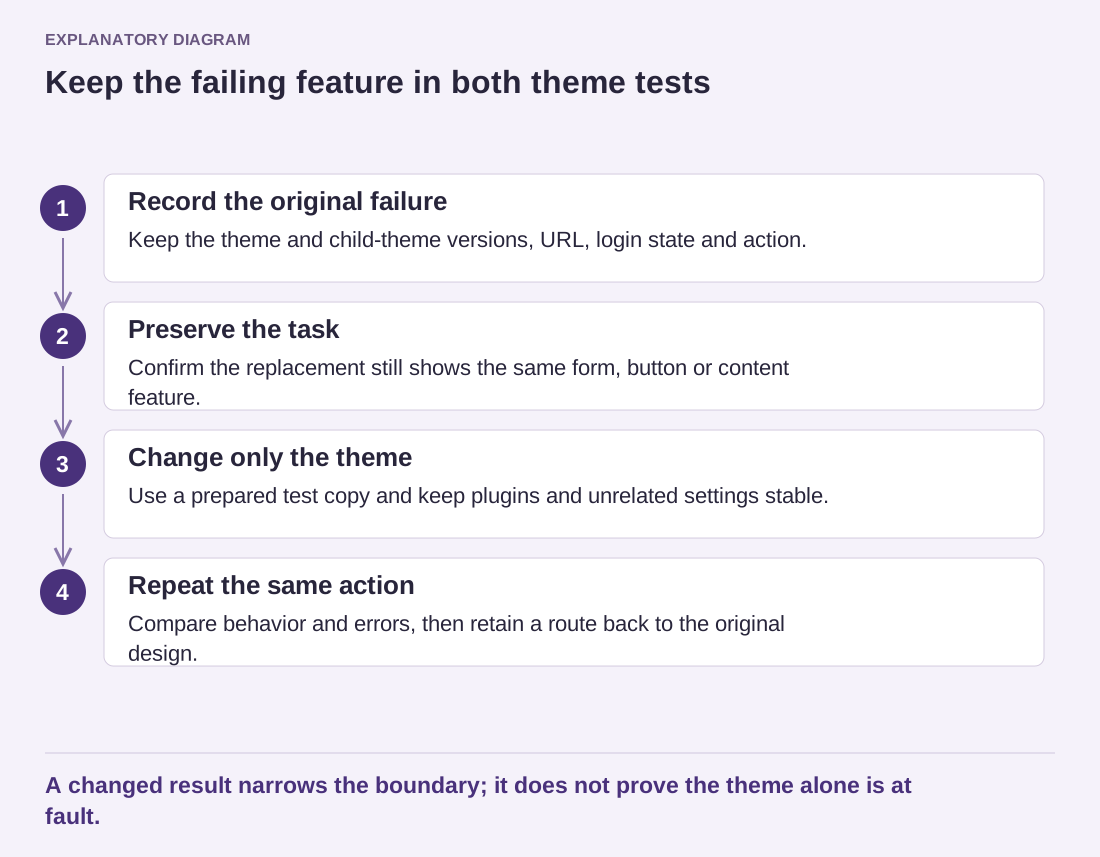
- Record the original failure: Keep the theme and child-theme versions, URL, login state and action.
- Preserve the task: Confirm the replacement still shows the same form, button or content feature.
- Change only the theme: Use a prepared test copy and keep plugins and unrelated settings stable.
- Repeat the same action: Compare behavior and errors, then retain a route back to the original design.
A changed result narrows the boundary; it does not prove the theme alone is at fault.
A child theme adds another distinction. Comparing the child theme with its parent can help investigate a customization, but only when the parent is compatible and the test environment is prepared. Do not delete the child theme or copy its files over the parent to make that comparison. Those actions would make recovery harder and can overwrite work.
Send the maintainer a precise result: the same page and action failed under one named theme version and passed under another, with the plugin list unchanged. Include any relevant error recorded at that moment. The maintainer can then investigate the interaction that the comparison exposed. Returning to the original theme afterward should include a quick check of the actual page, its menu and its main interactive feature.