When a page feels slow, the first visible symptom is often an empty browser window. That wait can have several causes. Time to First Byte, or TTFB, helps describe the period before the response begins to arrive, but it is not a direct measurement of how quickly the finished page can be read.
Connection setup, redirects, network distance and server-side work can all contribute to the beginning of a navigation. Once the response starts, the browser still has to receive content, fetch other resources and render the page. A quick initial response followed by a very late main image calls for a different investigation from a long wait before the document begins.
Compare requests that do comparable work
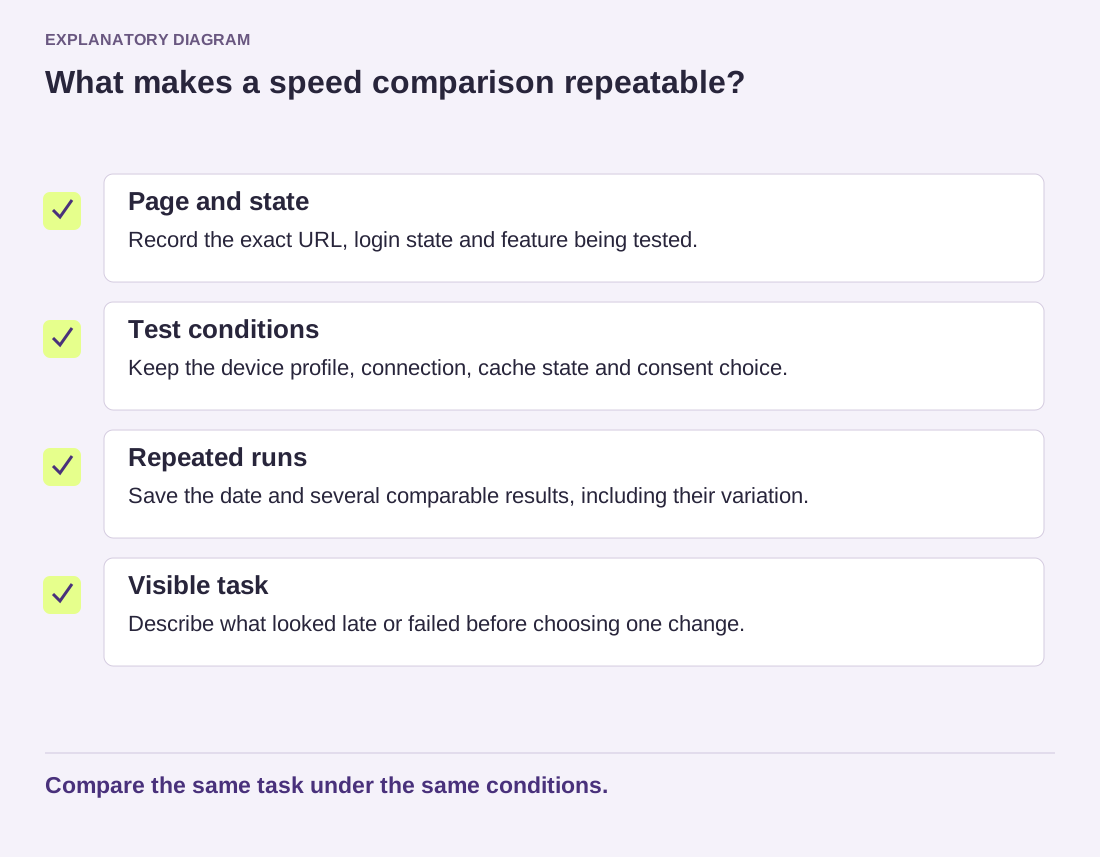
Record the exact URL and whether the request was logged in. Many WordPress page caches treat an anonymous article visit differently from an authenticated dashboard request. Comparing those two numbers as though they were the same workload can create a misleading hosting diagnosis.
Try several representative public pages under the same conditions. If only one template is slow, look for work specific to that template, such as an expensive query or an external service request. If every uncached page is affected, hosting resources, database behavior or shared application work may deserve attention. Neither pattern proves the cause on its own, but each narrows the next question.
A useful example is a page that waits for a remote inventory service before generating its output. Moving to a more powerful server may not remove the remote service's delay. The site maintainer needs to inspect that dependency and decide how failures, timeouts or stored results should be handled. A public speed score alone cannot reveal the full application design.
Read the diagram as text
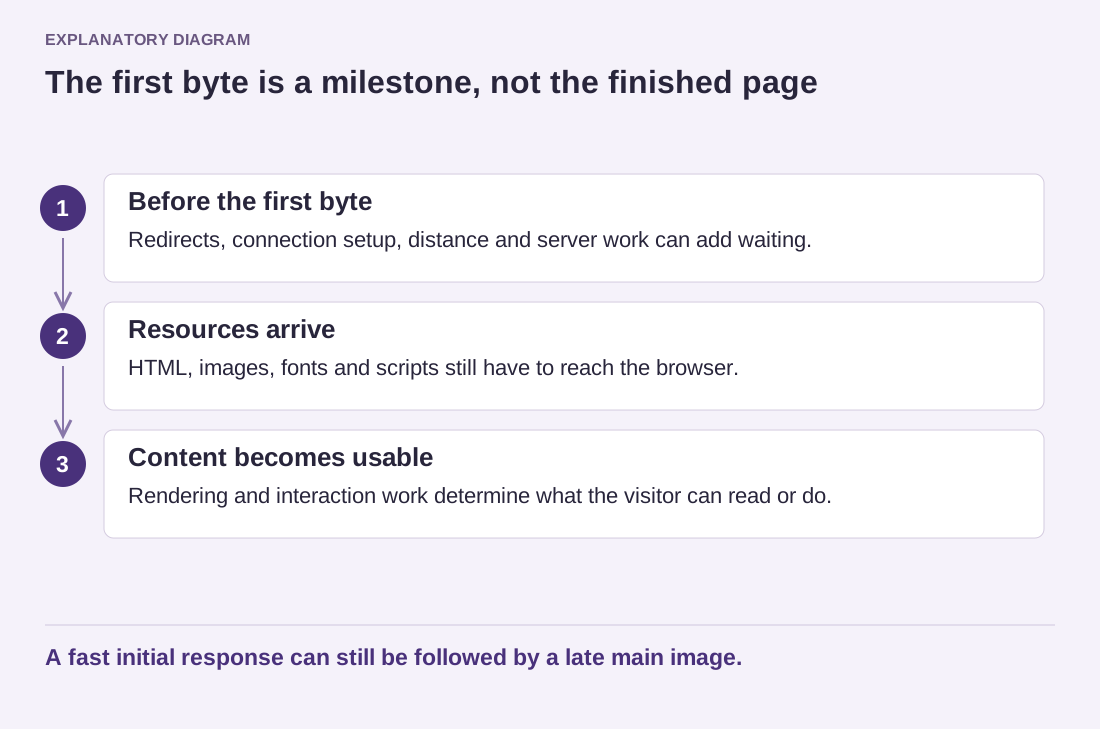
- Before the first byte: Redirects, connection setup, distance and server work can add waiting.
- Resources arrive: HTML, images, fonts and scripts still have to reach the browser.
- Content becomes usable: Rendering and interaction work determine what the visitor can read or do.
A fast initial response can still be followed by a late main image.
Give the host a concrete comparison
Instead of reporting only that the site is slow, provide timestamps, affected addresses and whether the behavior repeats. Include the relevant request timing without passwords, cookies or private headers. Ask what server-side observations correspond to those times. A support team can work more effectively with a narrow example than with an unexplained screenshot of a rating.
After a change, repeat the same request conditions and also inspect the complete page. The first byte is a useful diagnostic milestone, not the finish line. An improvement should help the visitor reach useful content without introducing errors, stale personal information or missing functionality.