A photograph can look modest on a page while still carrying a much larger file behind it. Shrinking its display width in the editor does not, by itself, prove that visitors receive a smaller download. Start by checking the image actually requested by the browser, not only the size of the original in your media library.
Find the largest place the picture appears
An image used only in a small card has different needs from a full-width feature photograph. Check its widest display on the site, including a large desktop window. High-density screens may benefit from more pixels than the CSS display width, but uploading an enormous camera original for every small thumbnail is rarely a sensible default. Keep the master file separately so you can make another export later.
For example, a blog uses the same landscape photo in a narrow list and at the top of a post. Exporting only a tiny thumbnail would make the post image soft. Keeping a suitable larger version and letting the site's responsive-image handling offer smaller alternatives is a better starting point. Inspect the delivered page because themes, custom markup and optimization tools can change that handling.
Compress a copy, then inspect the difficult areas
Compare exports at the size readers will see. Hair, leaves, fine lettering and smooth gradients tend to reveal damage sooner than a plain wall. Look for halos, blotchy color or text that has become hard to read. A file-size reduction is useful only if the image still communicates what the article needs.
Do not apply one aggressive setting to every asset. A screenshot with small labels has different requirements from a photograph of a desk. Transparency also affects format choices. Test the formats your media workflow and hosting environment support, and preserve a usable fallback where a particular publishing setup needs one. A format name alone does not guarantee a smaller or better-looking result.
Record the dimensions and file sizes of two or three acceptable exports. If one looks the same at normal viewing size and is materially smaller, it is the more useful candidate. This comparison is more meaningful than chasing an arbitrary target that ignores the picture's content.
Read the diagram as text
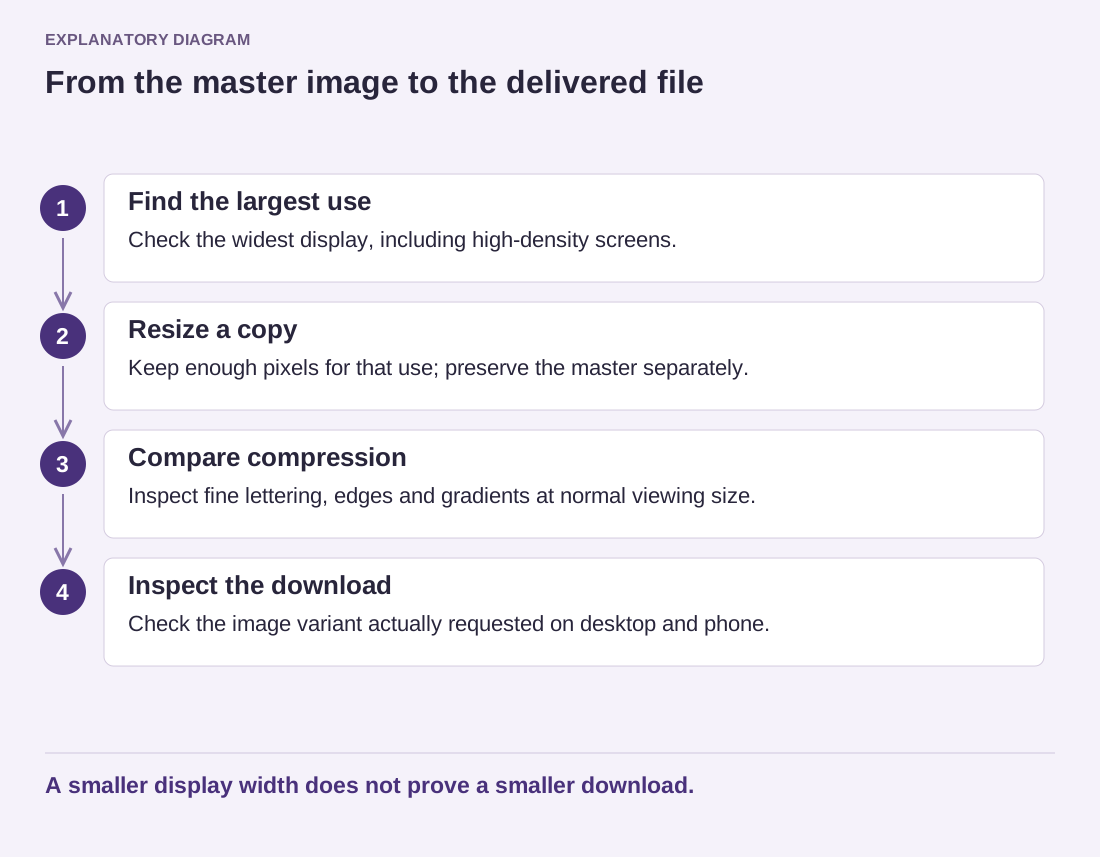
- Find the largest use: Check the widest display, including high-density screens.
- Resize a copy: Keep enough pixels for that use; preserve the master separately.
- Compare compression: Inspect fine lettering, edges and gradients at normal viewing size.
- Inspect the download: Check the image variant actually requested on desktop and phone.
A smaller display width does not prove a smaller download.
Check what visitors receive after replacement
Publish the chosen version on a test page and inspect it on a phone as well as a desktop. Confirm that the article still points to the intended asset, that its proportions remain stable and that the browser downloads an appropriate variant. Old cached copies can make a successful replacement appear unchanged. Keep image quality and delivery checks together; neither one tells the whole story on its own.