When the homepage loads but published articles return 404, the content may still exist. The failure can be in the route that translates a readable URL into a WordPress request. A recent migration or server change is an important clue, but not a diagnosis by itself.
Open the affected post in the administration area and confirm its status and current permalink. Copy that permalink rather than relying on an old bookmark. Check more than one post and a static page to establish whether the problem is broad or limited to a particular path.
Review the intended permalink structure. Saving the existing permalink settings can refresh WordPress's rewrite rules in appropriate setups, but do not change the structure casually. A new structure changes public addresses and can create a separate redirect problem.
Match the server, not the tutorial
Apache and Nginx handle request routing differently. An .htaccess instruction does not configure Nginx, and a hosting platform may manage rules through its own controls. Ask the provider to verify that requests for non-file paths reach the intended WordPress installation.
Check the document root and subdirectory arrangement after a move. The server may be serving the correct homepage while sending other paths to a different location or application. Record the exact failing URL and response so support can inspect the relevant rule.
If only one URL fails, inspect its slug, publication status and any redirect or access rule before rebuilding every server setting. A deleted or renamed post is a different case from all pretty permalinks failing.
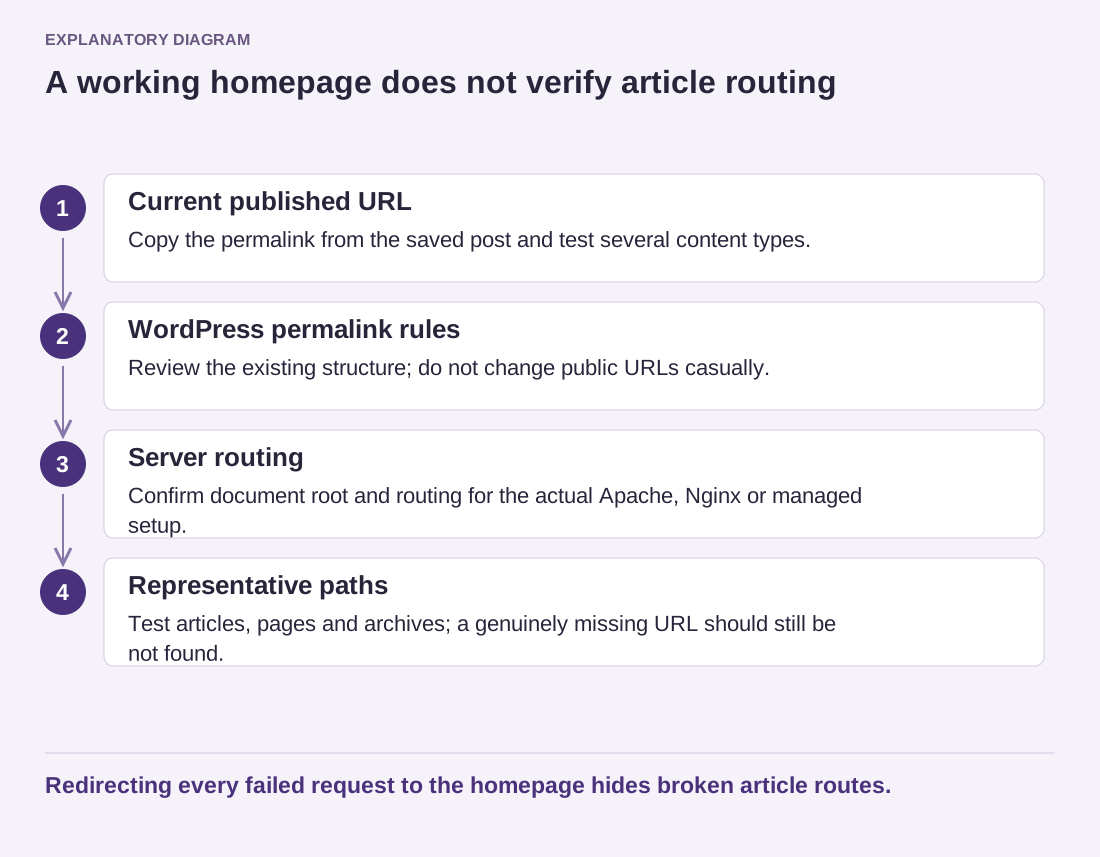
Read the diagram as text
- Current published URL: Copy the permalink from the saved post and test several content types.
- WordPress permalink rules: Review the existing structure; do not change public URLs casually.
- Server routing: Confirm document root and routing for the actual Apache, Nginx or managed setup.
- Representative paths: Test articles, pages and archives; a genuinely missing URL should still be not found.
Redirecting every failed request to the homepage hides broken article routes.
Make a backup before editing configuration and keep changes narrow. Avoid replacing an entire server configuration with a generic block copied from another site. It may remove SSL, access or application rules that the host requires.
After correction, test representative posts, pages, category archives and a genuinely nonexistent address. The last should still return an appropriate not-found response. A broad rule that sends every request to the homepage can hide the symptom while leaving visitors unable to reach the articles they requested.