Deactivating every plugin on a public site can interrupt forms, access rules and other services. The fact that this is a common diagnostic idea does not make it harmless. Prefer a representative staging copy where the failure can be reproduced without changing the experience of ordinary visitors.
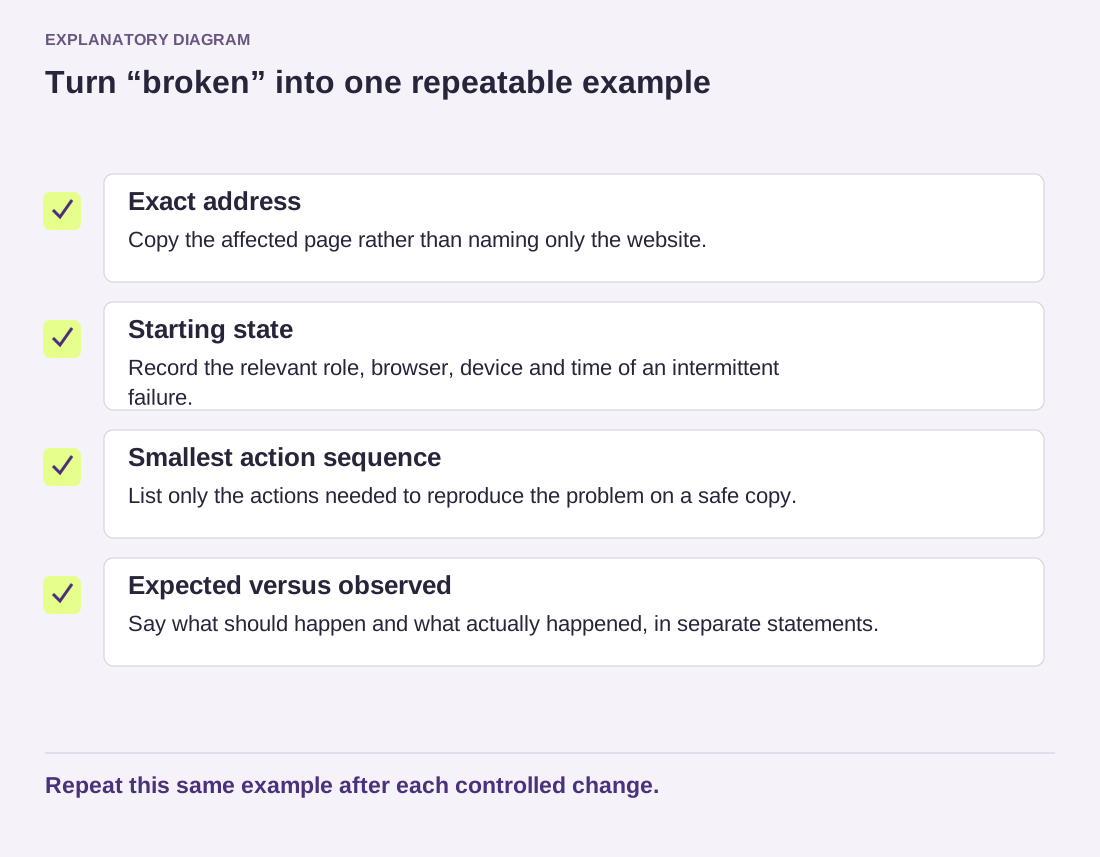
Write the failing task before changing the environment. Include the page, user role and expected result. Take a recoverable backup and identify integrations that could send email or process payments from the test copy. Keep those actions isolated through supported test controls.
Begin with a controlled baseline, then enable the relevant components in a documented sequence. If a feature works with its own plugin but fails when another component is enabled, you have evidence about an interaction. That does not automatically establish which component is defective; either may be relying on an incompatible assumption.
Understand session-based troubleshooting
WordPress's Troubleshooting plugin offers a mode intended to change enabled plugins and the theme for the maintainer's session while leaving ordinary visitors unaffected. This capability was previously part of Health Check and is now available separately. Read the current plugin documentation instead of following an old screenshot of a menu that may no longer exist.
Session-based isolation is not a separate copy of the database. Actions that save settings or content can still matter, and some failures involve scheduled tasks, caching or external requests outside that session. It is useful for appropriate investigations, but it should not be treated as an unconditional guarantee that every action is isolated.
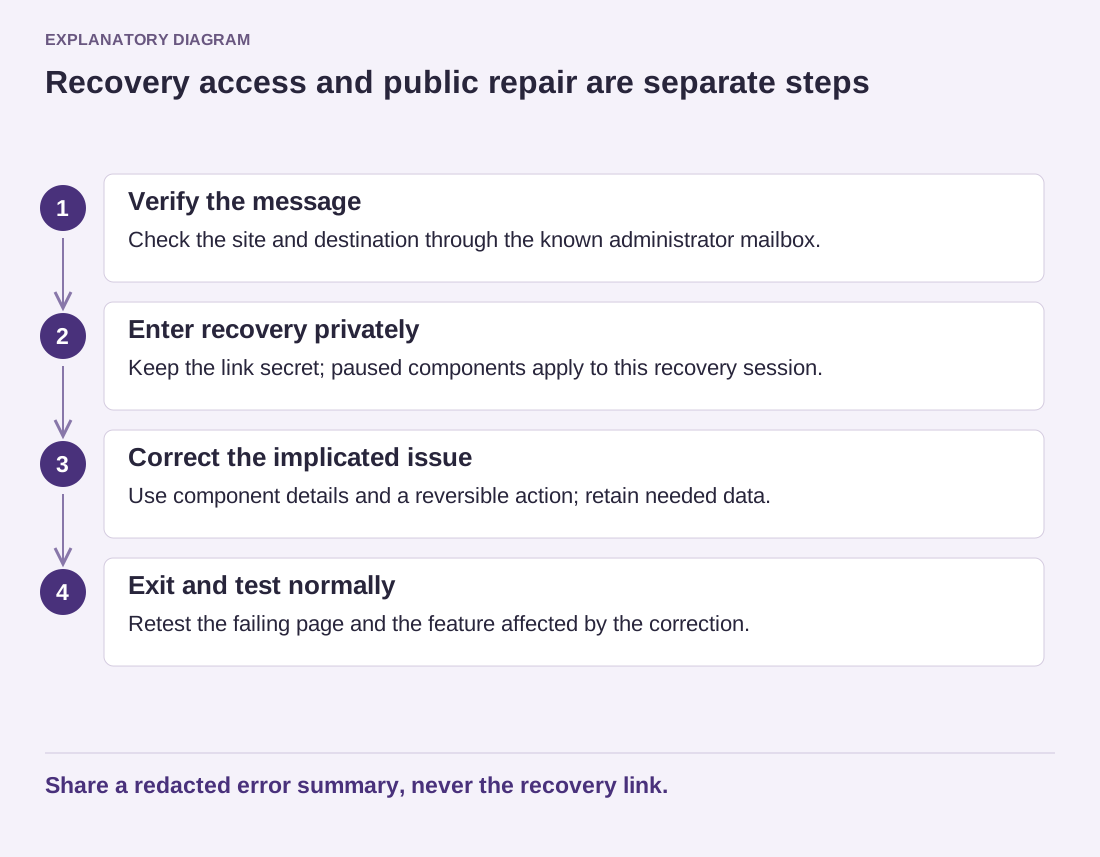
Check how to exit the mode before entering it, and keep an authorized recovery route. Some caching systems can ignore the mode's no-cache instructions, so verify the visitor experience in a separate normal session. If diagnostic output reached a shared cache, clear the affected cache using its documented controls after leaving the mode and check the public pages again. If the mode cannot reproduce the original conditions, return to a staging approach or involve the host rather than forcing the test to fit.
Once you find a minimal conflicting combination, record versions, settings and exact steps. Send the relevant maintainer a redacted example. Keep the temporary workaround narrow and document any feature it disables.
For example, a booking form works with its own extension enabled, then fails after a general script-optimization tool is enabled. Preserve that exact pair and the failing setting. Turning the entire optimization tool off may be a temporary workaround, but the long-term correction might be a documented exclusion for one script. Test that narrower change before assuming the booking extension must be replaced.
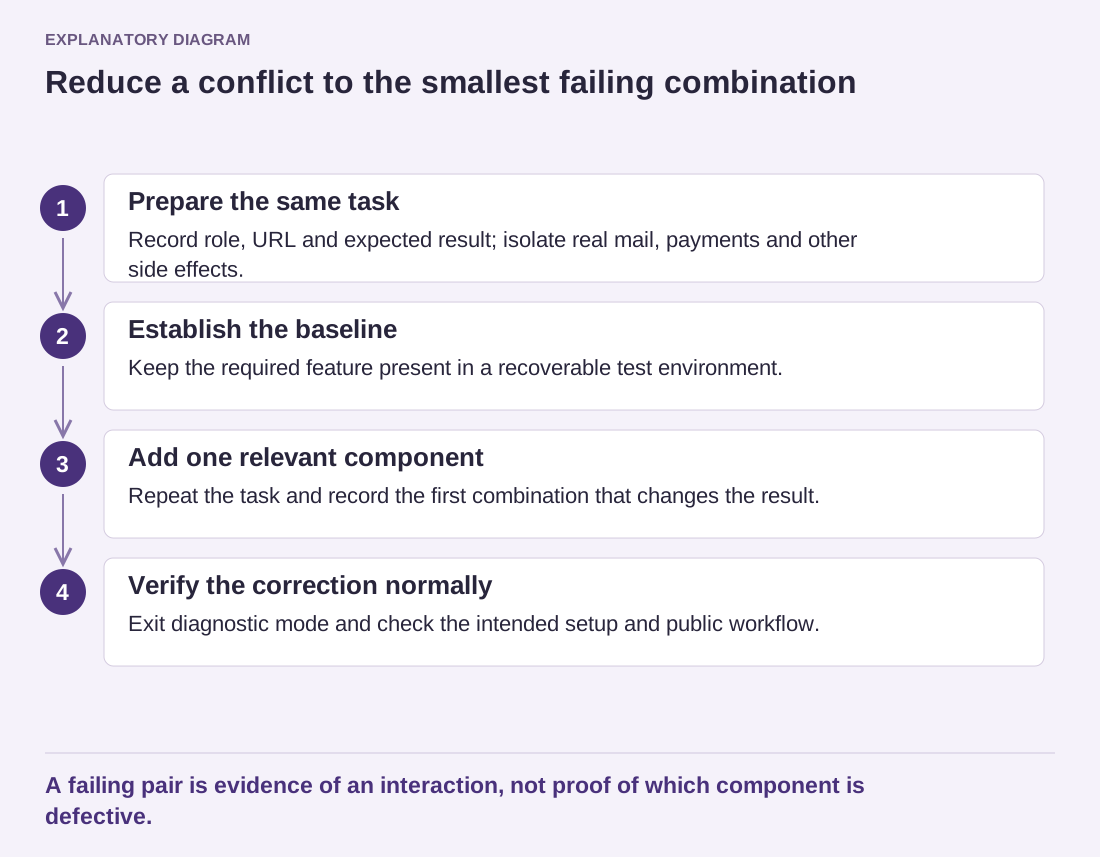
Read the diagram as text
- Prepare the same task: Record role, URL and expected result; isolate real mail, payments and other side effects.
- Establish the baseline: Keep the required feature present in a recoverable test environment.
- Add one relevant component: Repeat the task and record the first combination that changes the result.
- Verify the correction normally: Exit diagnostic mode and check the intended setup and public workflow.
A failing pair is evidence of an interaction, not proof of which component is defective.
A different result is possible: the failure disappears only when the theme is changed, even with all ordinary plugins restored. That points to a different boundary. Keep the same form, content and browser conditions while comparing themes, so a simpler demo page does not accidentally become the reason the test passes. Do not report a definitive cause until the evidence supports it.
When sending the case to maintainers, include a small invented example rather than a copy of customer bookings. Explain which combinations passed and failed. That matrix gives both maintainers something they can reproduce and prevents the conversation from becoming an unsupported claim that one product is simply incompatible with everything.
Finally, restore the intended active setup and repeat the original task. Also test the affected public workflow. A conflict investigation is finished when the correction works outside the diagnostic session and temporary test settings have not been left behind.