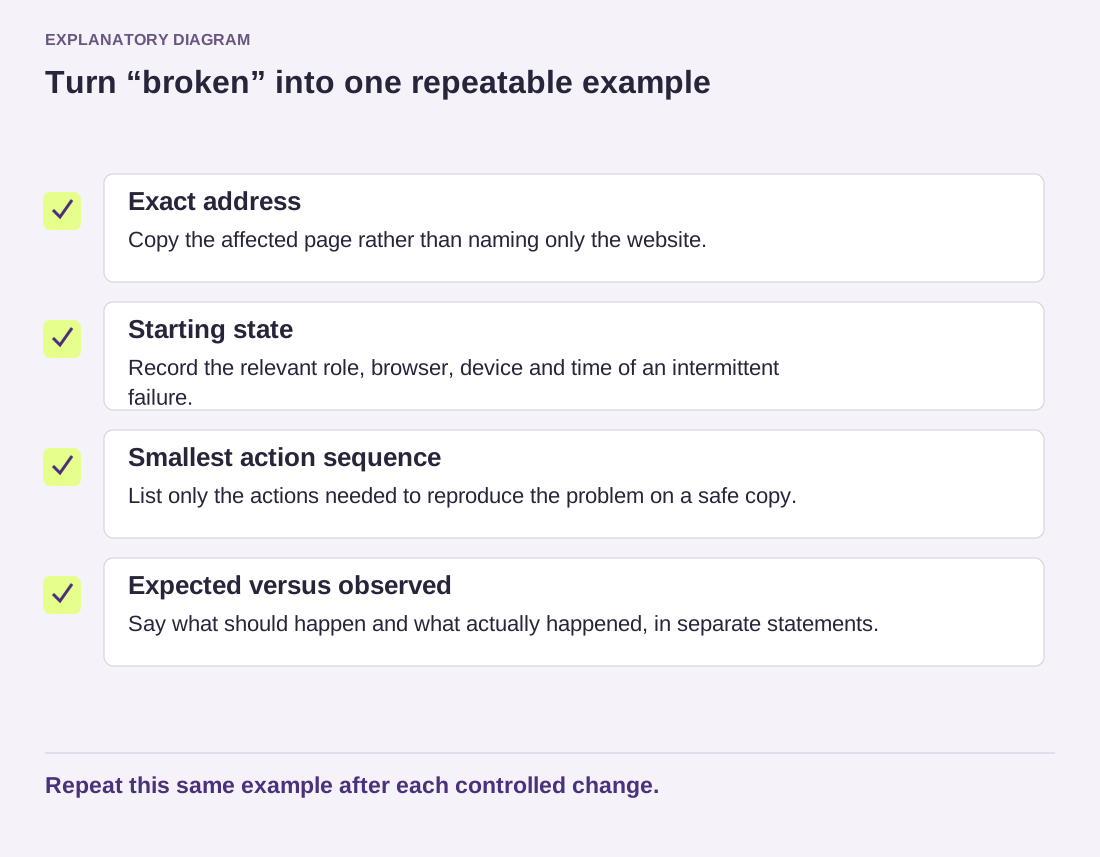
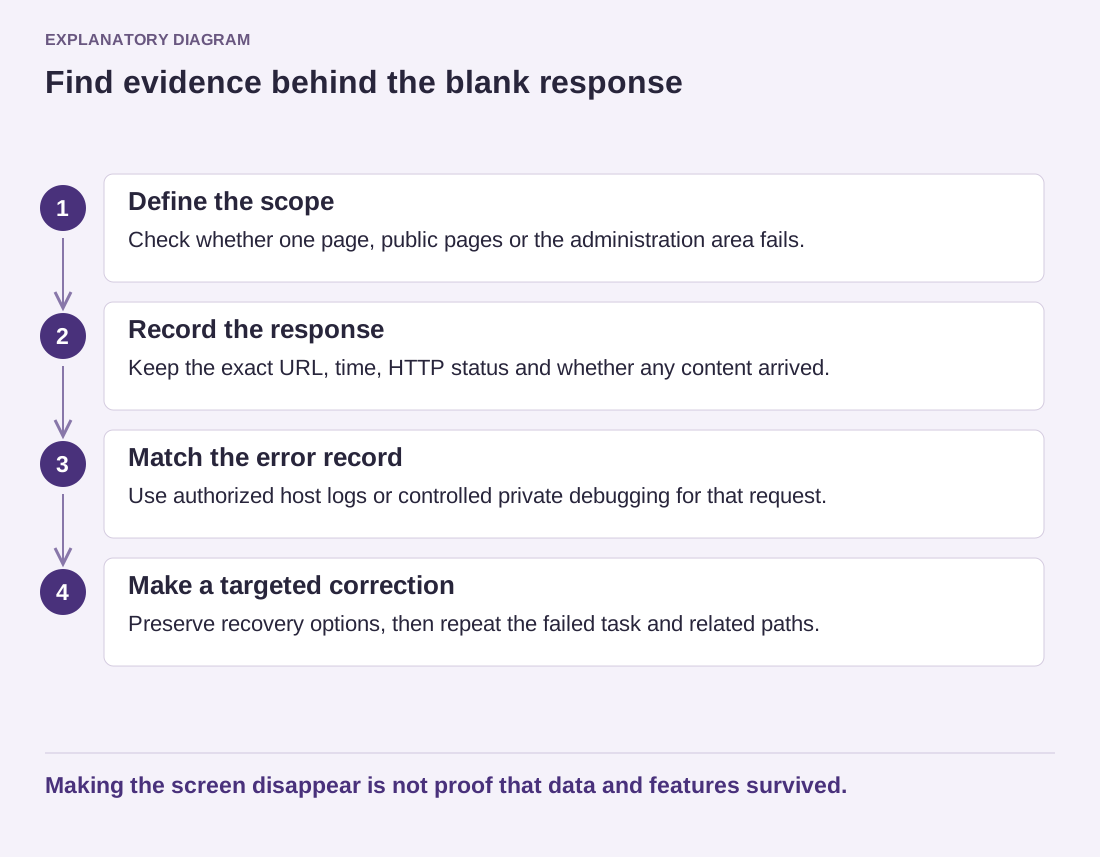
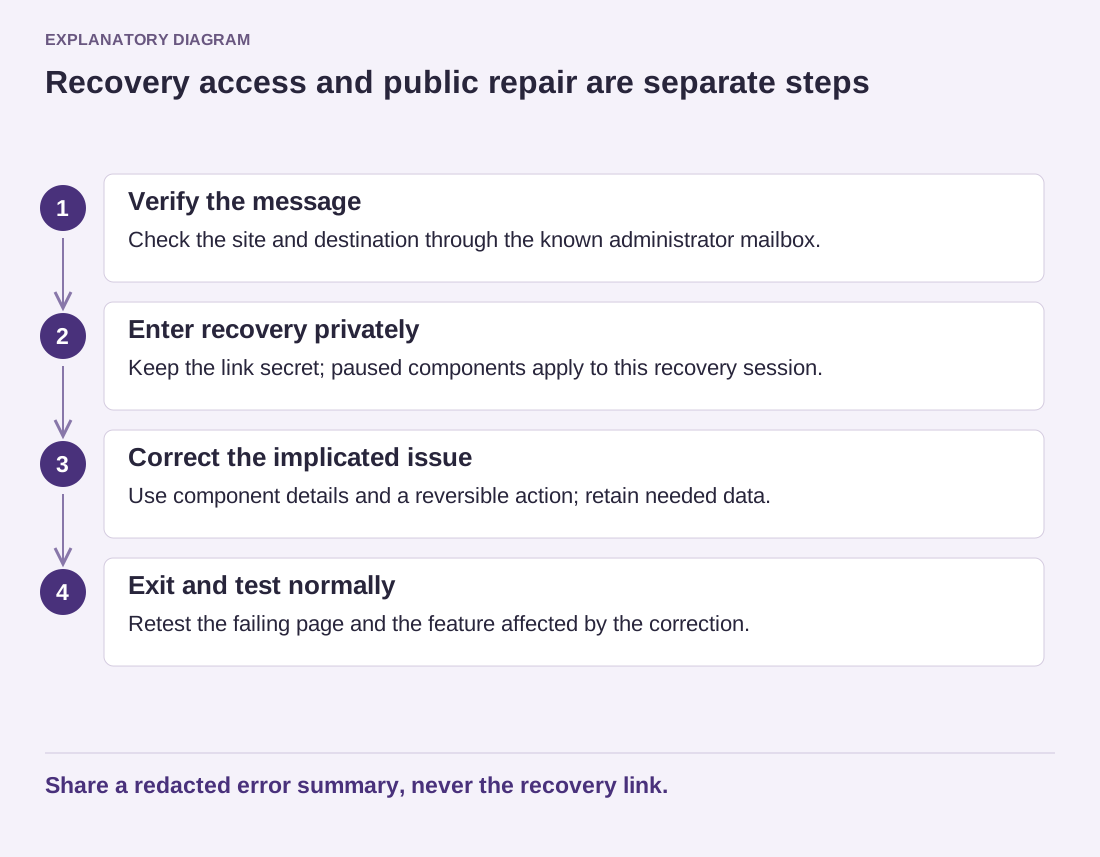
A broken image symbol does not necessarily mean the original upload has vanished. The page may reference an old path, a generated thumbnail that was not copied or a resource blocked by access rules. Uploading another copy immediately can add duplicates without fixing the reference.
Open the exact image URL requested by the page and note the response. A 404 suggests that the requested resource was not found; a 403 indicates access was refused. Other responses can reveal a redirect or an expired external link. Use the observed result to narrow the investigation.
Compare the URL with the file recorded in the media library and the actual storage location. Watch for filename case after moving between systems, changed directories and links still pointing to an old domain. Do not assume that the visible image title matches the filename.
Distinguish originals from generated sizes
A theme may request a smaller variant rather than the original. If the original loads but the requested variant does not, check whether the migration included generated files and whether the current image-size workflow needs to recreate them. Follow the site's supported media process rather than renaming files at random.
If the address uses a CDN or external storage service, inspect that layer too. The origin may contain the file while an edge cache still holds a missing response, or the external access policy may have changed. Record both the public address and the confirmed origin state.
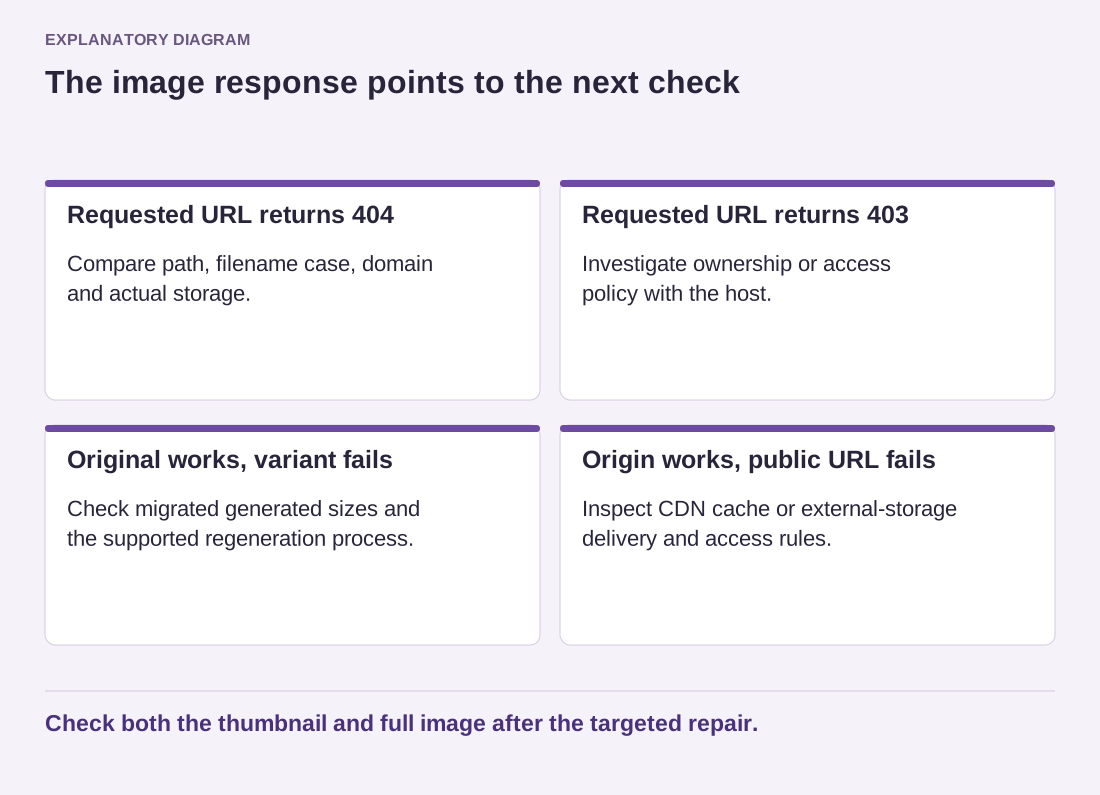
Read the diagram as text
- Requested URL returns 404: Compare path, filename case, domain and actual storage.
- Requested URL returns 403: Investigate ownership or access policy with the host.
- Original works, variant fails: Check migrated generated sizes and the supported regeneration process.
- Origin works, public URL fails: Inspect CDN cache or external-storage delivery and access rules.
Check both the thumbnail and full image after the targeted repair.
For a permission problem, ask the host to verify ownership and the specific access rule. Do not solve it by making the entire uploads tree broadly writable. Access to deliver a file and permission to modify it are different questions.
After correcting the path, file or delivery rule, reload the affected page and check the thumbnail as well as the full image. Review alternative sizes used on a phone. Remove unnecessary duplicate uploads only after confirming that no content depends on them. The repair should restore the intended reference, not leave a trail of copies whose purpose nobody understands.