Automatic updates reduce the chance that a routine release waits unnoticed in the dashboard. They do not eliminate compatibility problems or the need for recovery. A useful policy considers the function of each extension and the site's ability to notice and handle a failed change.
WordPress provides per-plugin and per-theme automatic-update controls in supported installations, although hosting or custom code can affect their availability. Check the actual setup rather than assuming that a visible toggle describes every update mechanism used by the host.
Identify the components that support essential transactions. A payment integration, membership access rule or booking workflow deserves a clear verification plan. Choosing manual updates for a critical component is only meaningful if someone will apply updates promptly and review security notices; leaving it permanently outdated is not a maintenance strategy.
Pair the setting with recovery
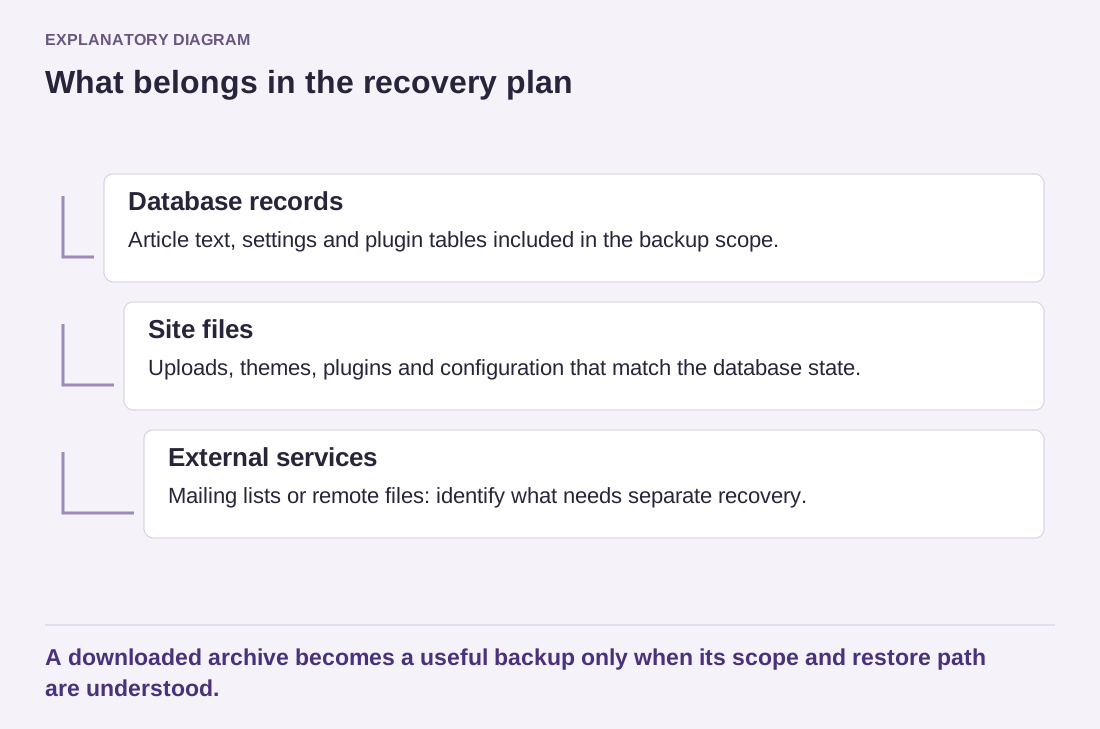
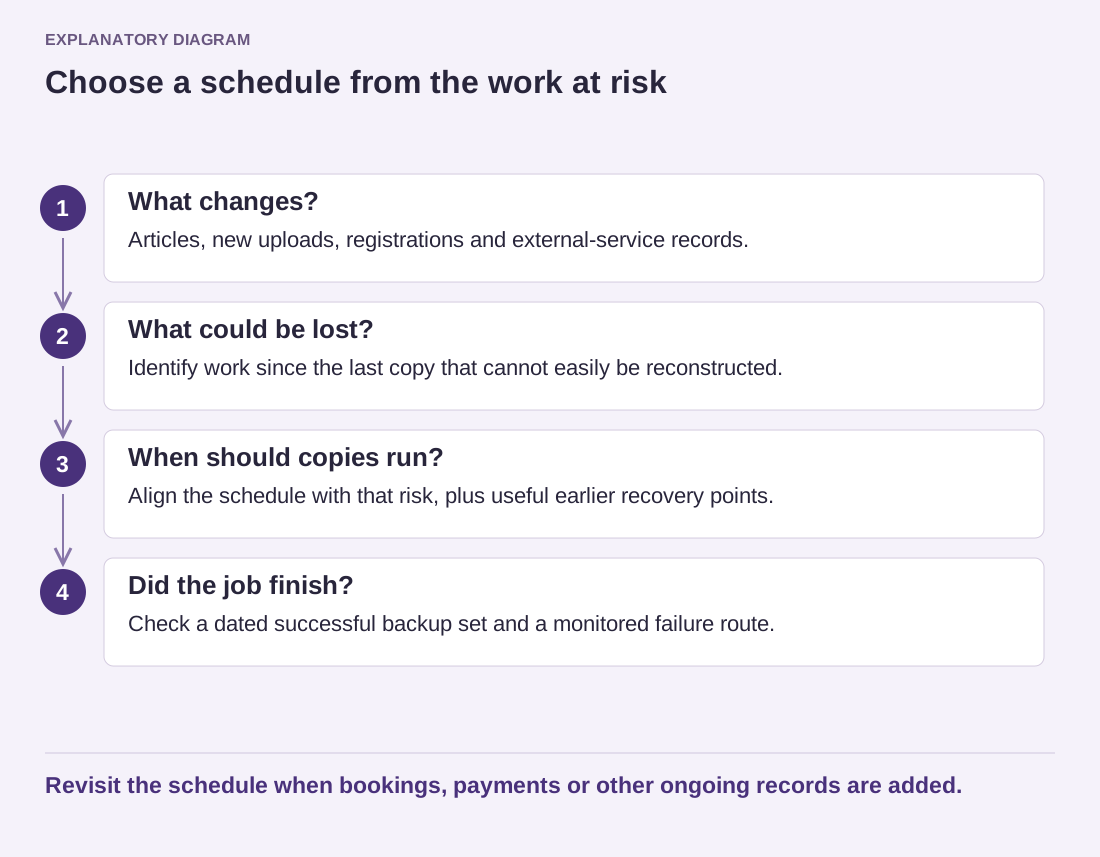
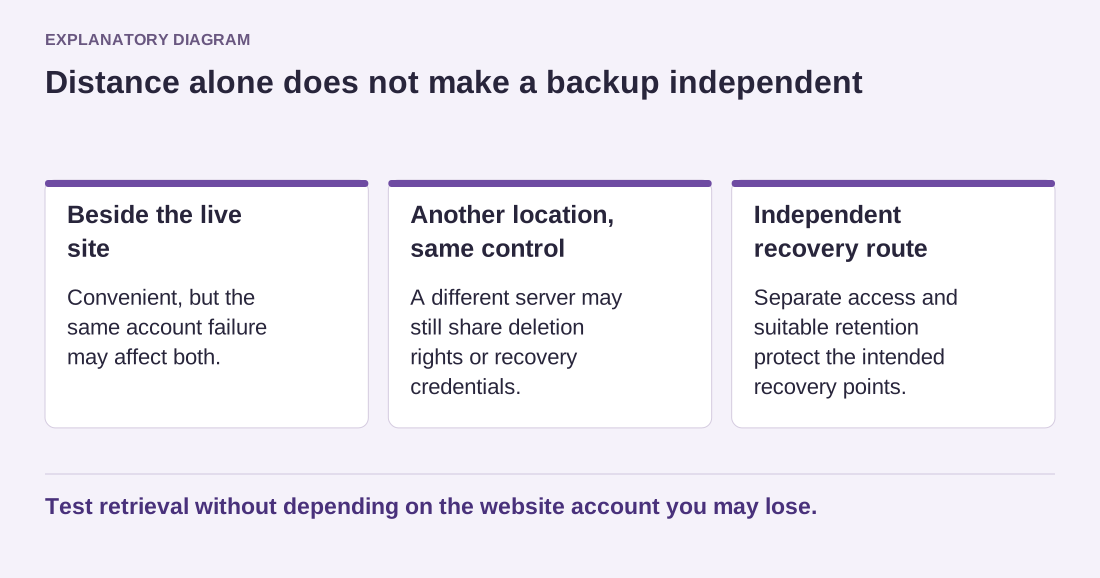
Confirm that backups run successfully and that a restore has been rehearsed. Review where update notifications are sent. An automatic process whose failure email goes to an abandoned mailbox is not being monitored, even if the dashboard shows it as enabled.
Think through a plausible failure. If a small layout extension changes a card style overnight, the response may be a scheduled correction. If an update prevents checkout, someone needs to detect the interruption and act sooner. This difference informs monitoring and responsibility, not a universal rule that one category must always be manual.
Read release information for major changes even when automation is enabled. Some releases introduce migrations or altered settings that need attention beyond replacing files. If the site uses a staging workflow, understand whether the host tests or deploys updates there and what evidence it actually provides.
A useful exception record can be just three sentences: which component is updated manually, who checks its advisories and how quickly that person can act when a relevant fix appears. Add the critical visitor task that must be tested afterward. If nobody can accept that responsibility, the exception is incomplete. Revisit the arrangement rather than leaving a disabled toggle whose original rationale has been forgotten.
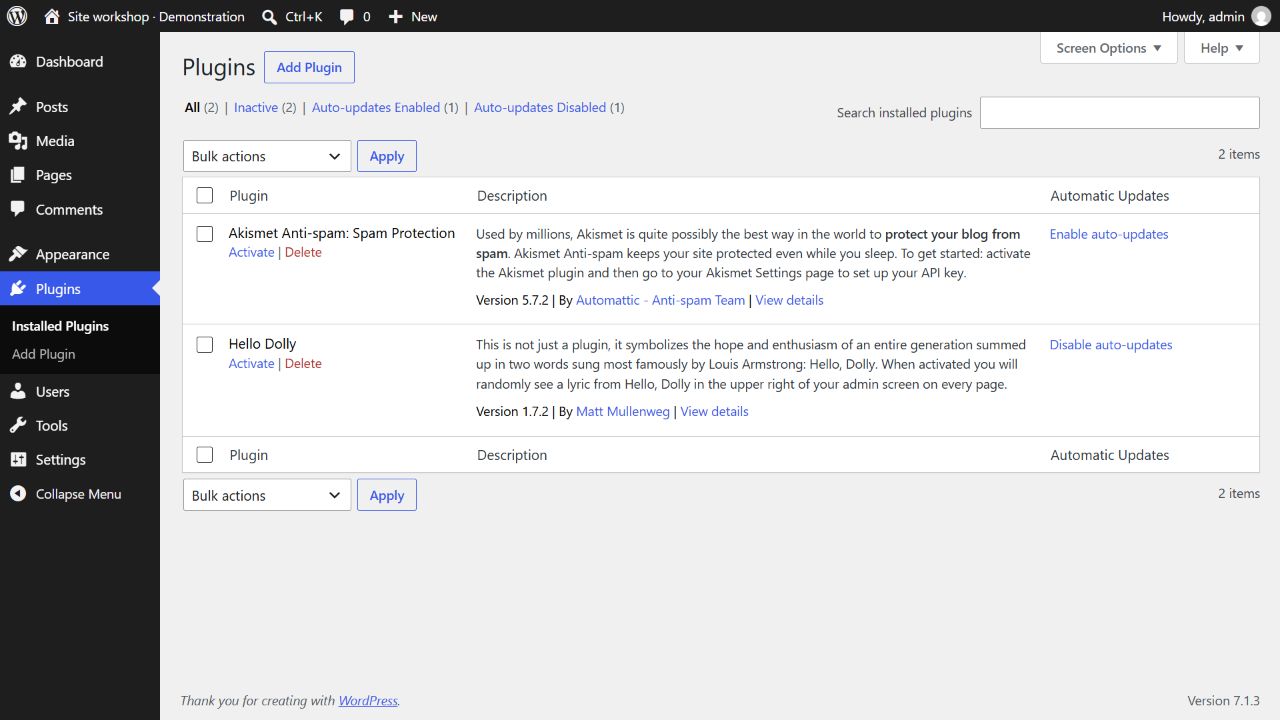
Record the chosen setting, the responsible person and the reason for any exception. Review that record when the site adds an important feature or changes hosting. The objective is timely maintenance with an understood response path, rather than a blanket promise that automatic updates are either always safe or always dangerous.