A sudden flood of form spam makes a stronger barrier attractive. Before adding one, find out which submissions are unwanted and how they enter. A contact form, comments section and account-registration page are separate routes; protecting one does not necessarily change the others.
Begin with the controls already available in the relevant tool. A hidden field, a timing check, a content filter and an external challenge work differently. Combining them may be appropriate, but each layer should have a known purpose. Otherwise a legitimate enquiry can disappear without anyone knowing which layer rejected it.
Test with ordinary variations: an accented name, a message containing a link, a slow connection and a visitor using keyboard navigation. A filter that accepts your short administrator test can still reject the messages the site is intended to receive. Include a way for someone to contact you if the form repeatedly refuses a valid submission.
Consider what the visitor must do
Visual puzzles can be difficult or impossible for some people. Other challenge systems may depend on third-party scripts or connections blocked by a browser. Read the provider's accessibility and privacy documentation, and test the actual implementation rather than assuming that a familiar logo settles either question.
Rate limits also need context. Several people in an office can share one public IP address. An extremely strict rule may treat them as one abusive visitor. Ask the hosting or security provider how its rule identifies requests and what a blocked visitor sees.
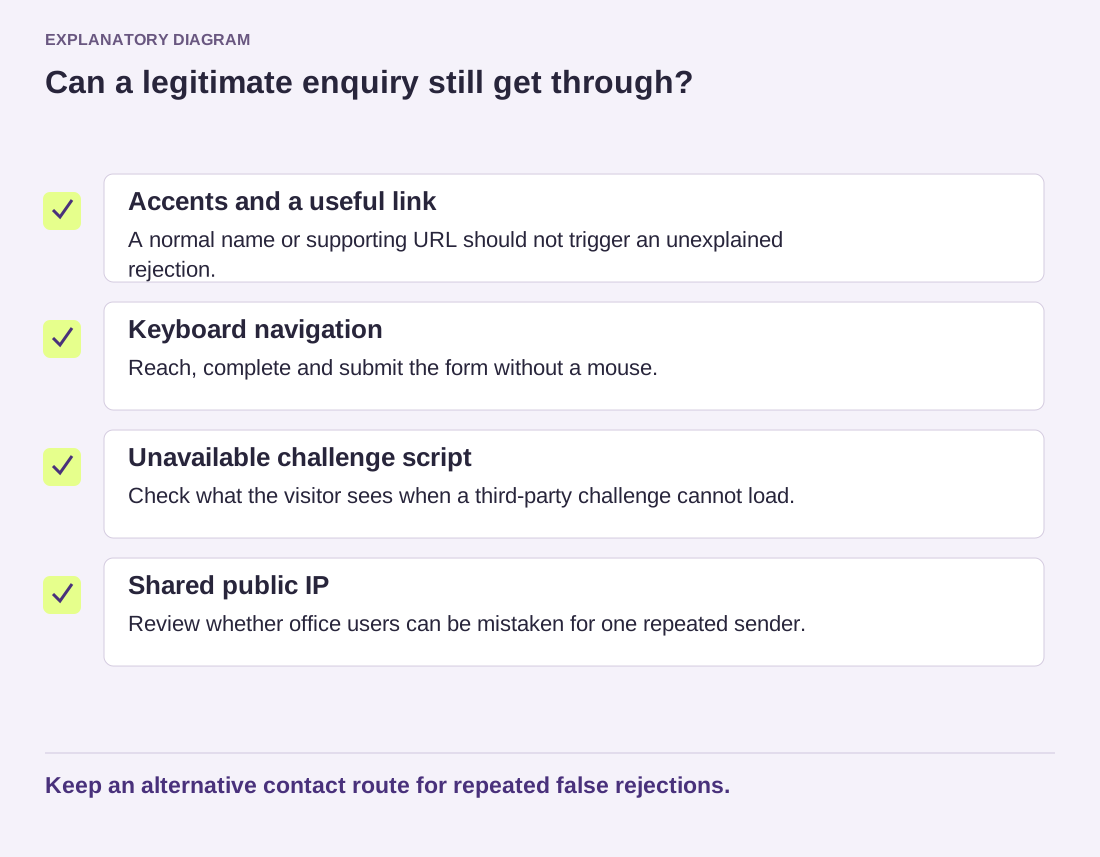
Read the diagram as text
- Accents and a useful link: A normal name or supporting URL should not trigger an unexplained rejection.
- Keyboard navigation: Reach, complete and submit the form without a mouse.
- Unavailable challenge script: Check what the visitor sees when a third-party challenge cannot load.
- Shared public IP: Review whether office users can be mistaken for one repeated sender.
Keep an alternative contact route for repeated false rejections.
Keep only the diagnostic information you need to investigate false positives, with appropriate access and retention. Do not publish full spam logs containing addresses or message bodies in an open support forum. A redacted example and approximate time may be enough to begin.
Review the result after changing a control. Compare unwanted submissions and genuine enquiry handling, not merely the number of blocked requests. If the form becomes quiet, confirm that a normal visitor can still complete it. Silence is not evidence that every blocked message was spam.