A plugin listing is a starting point for investigation. It can explain the intended job, show development activity and lead you to support discussions. It cannot promise that the extension will behave correctly with your theme, hosting configuration and collection of other plugins.
Read the description far enough to find the boundaries. A screenshot might show an integration that belongs to a paid edition. A feature may depend on an external account. Follow the links to installation instructions and the vendor's documentation, then check which edition and version those instructions describe.
The compatibility information deserves a careful reading. A recent tested-with declaration is useful, but it is not a test of your installation. Conversely, an older declaration does not prove that a plugin is broken. It identifies something to verify before relying on it. Check required WordPress and PHP versions against the environment where it will run.
Look at the pattern behind the numbers
An installation count describes adoption, not suitability. Reviews can expose recurring difficulties, but individual complaints may involve obsolete releases or a different setup. Look for several reports describing the same current behavior. Notice whether the author explains limitations, provides a reproducible workaround or simply leaves the question unanswered.
The changelog gives another kind of evidence. It may show security fixes, compatibility changes or the removal of a feature you expected to use. Read the entries between your installed version and the proposed version, rather than only the newest sentence. A short maintenance release can still matter to your workflow.
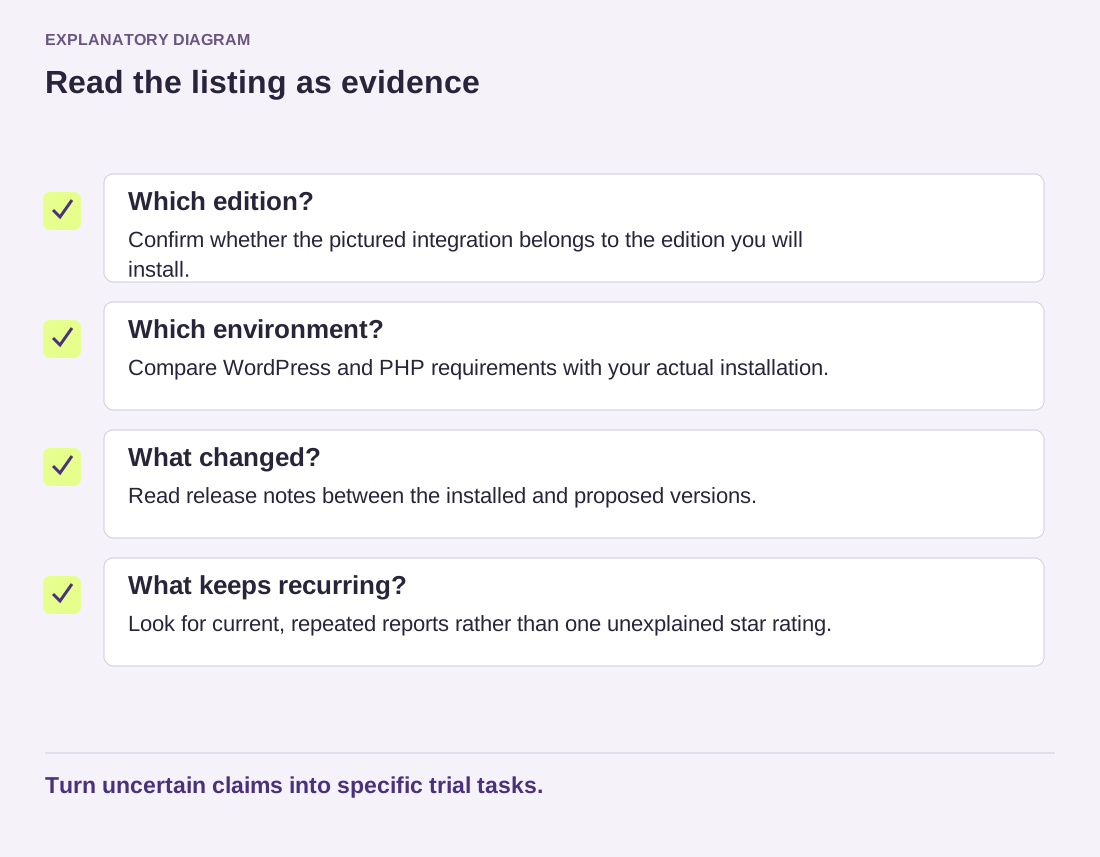
Read the diagram as text
- Which edition?: Confirm whether the pictured integration belongs to the edition you will install.
- Which environment?: Compare WordPress and PHP requirements with your actual installation.
- What changed?: Read release notes between the installed and proposed versions.
- What keeps recurring?: Look for current, repeated reports rather than one unexplained star rating.
Turn uncertain claims into specific trial tasks.
Before testing, note the exact plugin name, author and directory address. Similar names can refer to unrelated products. Install through an accountable source and keep a recoverable backup before changes to a live site. If a premium edition is involved, obtain it from its actual vendor rather than an unofficial download collection.
Use what you learn to create a small trial: one representative page, one ordinary visitor task and one export or removal check. The listing helps you decide what to examine. The trial establishes whether the candidate fits the work you actually need.