A search extension can advertise filters, suggestions and relevance controls without answering the question that matters: can a visitor find the right page? Build a small collection of realistic queries before comparing products. Include the words people use, not only the exact titles your editors wrote.
For a repair business, someone might search for “leaking washer” while the service page says “washing machine repair.” An editorial site may need to handle an accented name, a plural or an abbreviation. Decide which variations are important for your content rather than expecting every search system to interpret language identically.
Choose an expected useful result for each query. It need not always be one perfect page, but the first results should make sense. Add a query that should return nothing. The no-results message should offer a way forward without pretending that unrelated pages answer the question.
Check the boundaries of the index
Determine which content is searchable. Posts, pages, custom fields and downloadable documents may be handled differently. A plugin can require separate configuration to include a custom content type. Equally important, confirm that private or restricted material is not exposed through titles, excerpts or cached results.
Run the query set while logged out and on a phone. Check keyboard access to suggestions and whether selecting a result opens the intended page. If filters are present, verify that changing them updates the complete result set rather than only rearranging the items already visible.
After editing a page, learn when the search index updates. Some systems refresh immediately; others use scheduled jobs or external services. Test a harmless wording change and confirm that it eventually appears as documented. Record any manual rebuild procedure and who should use it.
Read the diagram as text
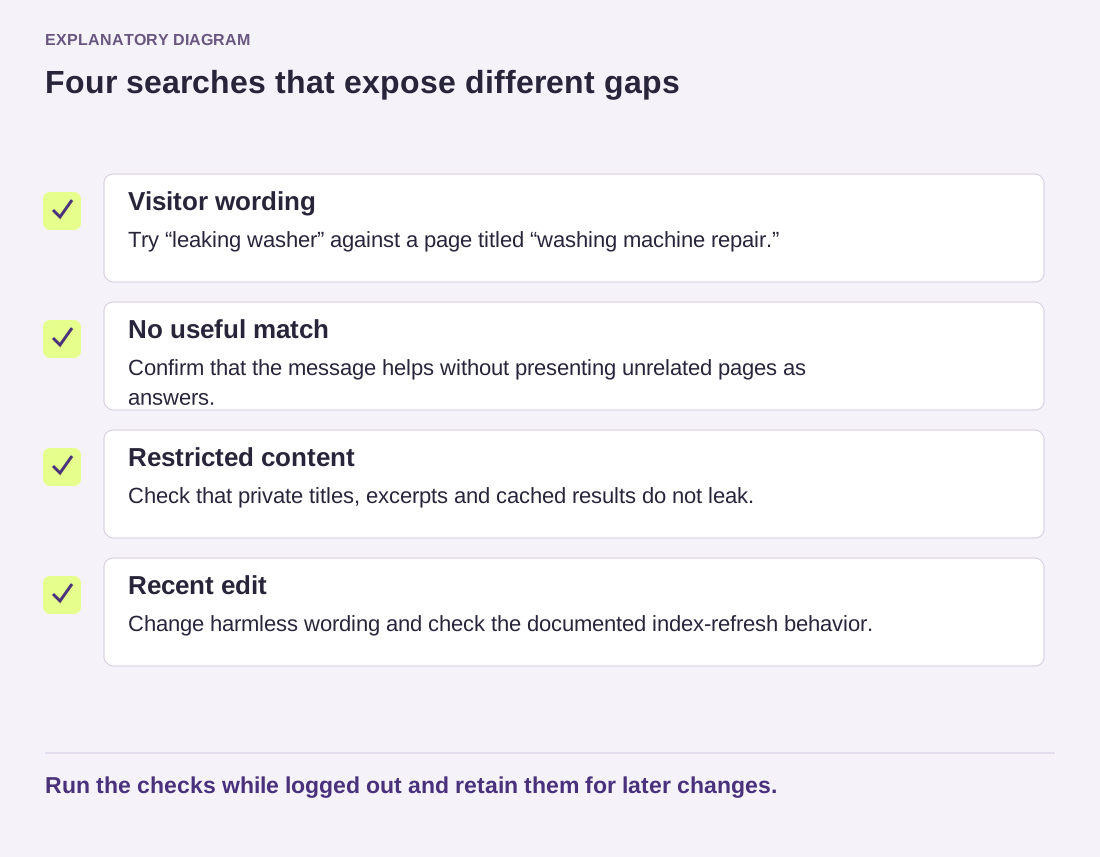
- Visitor wording: Try “leaking washer” against a page titled “washing machine repair.”
- No useful match: Confirm that the message helps without presenting unrelated pages as answers.
- Restricted content: Check that private titles, excerpts and cached results do not leak.
- Recent edit: Change harmless wording and check the documented index-refresh behavior.
Run the checks while logged out and retain them for later changes.
Compare candidates using the same content and queries. A visually impressive demo with someone else's data is not a reliable test of your site. Keep the query set after choosing a tool, because it becomes a compact regression check when templates, content types or search settings change.