A type sample made from three attractive words tells you little about reading an article. Test typography with real paragraphs, punctuation and the longest headings the site will publish. The goal is not to find one perfect size in isolation. It is to make a sequence of text comfortable to follow across different screens.
Begin with the body text. Read several paragraphs at normal browser zoom without leaning toward the display. Notice whether lines feel crowded, whether the line length makes it hard to find the next line and whether the weight becomes faint against the background. Font family, size, line height and available width work together.
A wide desktop layout does not require text to span the whole window. Limiting the reading column can improve continuity while leaving room for occasional wider images. Conversely, a very narrow column can break ordinary sentences into too many short lines. Adjust the container and typography together rather than solving every problem by enlarging or shrinking the letters.
Use headings to create visible distinctions without making every level dramatic. A long heading that occupies most of a phone screen can delay the explanation it introduces. Test a realistic long example and verify that its line breaks remain understandable. Avoid fixed-height containers that assume all headings will have the same number of lines.
Inspect italics, bold text, lists and links as part of the same reading experience. A font that looks good in ordinary paragraphs may have weak differentiation between weights. Links need a recognizable treatment that does not depend only on a subtle color shift. Do not remove useful underlines merely to make a screenshot look quieter.
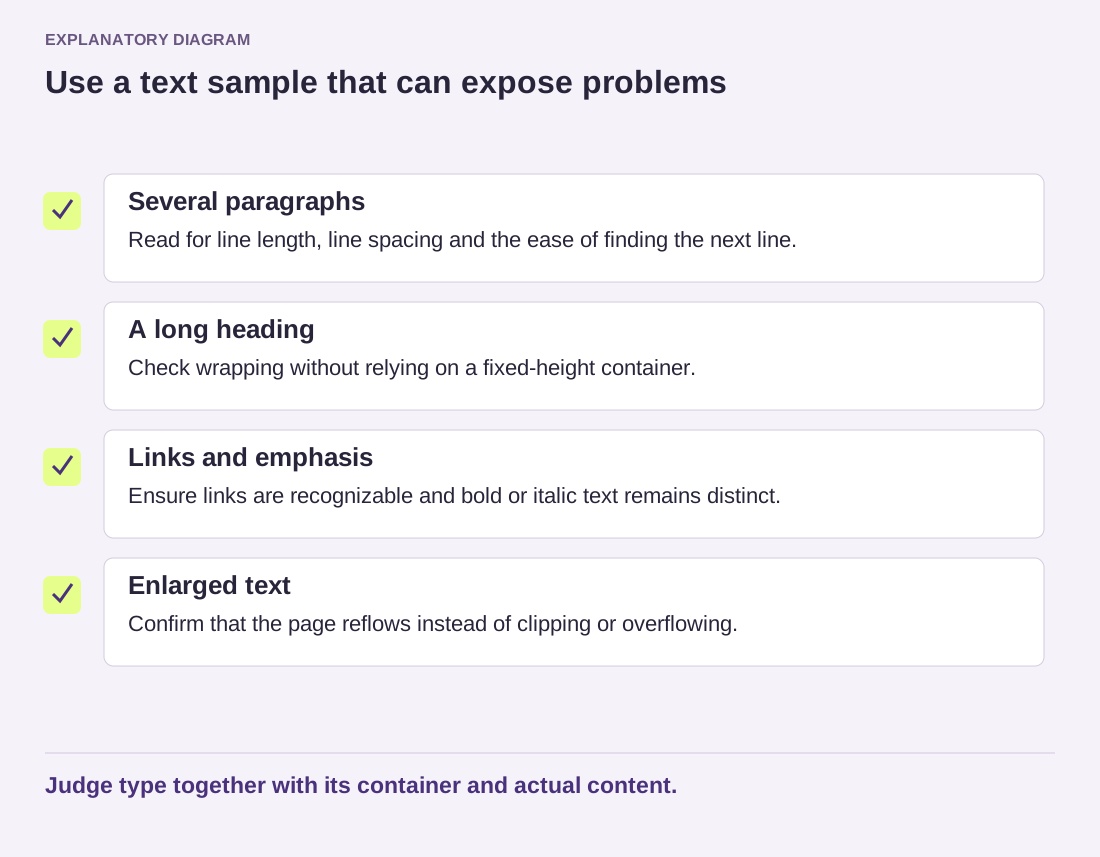
Read the diagram as text
- Several paragraphs: Read for line length, line spacing and the ease of finding the next line.
- A long heading: Check wrapping without relying on a fixed-height container.
- Links and emphasis: Ensure links are recognizable and bold or italic text remains distinct.
- Enlarged text: Confirm that the page reflows instead of clipping or overflowing.
Judge type together with its container and actual content.
Finally, enlarge the browser text and check that the page still reflows. Visitors may use different zoom levels and device settings from yours. Theme presets provide a starting point, not proof of readability. Save a small set of representative text examples so later font changes can be judged against the same content rather than a new, more flattering sample each time.