The day before launch is a poor time to invent new sections. It is a good time to verify that the content already present is complete, accurate and findable. Freeze unnecessary design experiments for the review and work through the actual public pages. Otherwise, a correction in one place can create a new unfinished area elsewhere.
Search for obvious remnants of setup: sample posts, placeholder names, empty categories, stock contact details and buttons leading nowhere. Read image captions and alternative text as well as visible paragraphs. Imported demonstration content can remain in places that are not linked prominently from the homepage, including archives and search results.
Use a simple issue list with three fields: page, problem and correction needed. “Contact page: old address in email link” is actionable; “check contact” is not. Mark which items prevent launch and which are ordinary later improvements. A nonworking enquiry route is different from a preference about a photograph’s crop. This distinction keeps the review focused without letting serious omissions hide among dozens of minor visual notes. Ask the responsible person to confirm factual corrections rather than treating design approval as approval of every business statement.
Verify the business or publication facts against the information supplied by the responsible person. Check opening hours, service areas, prices where stated and contact addresses. Do not fill an information gap with a plausible invention. If a claim is not confirmed, remove it or obtain the missing detail before making it public.
Follow the routes readers will use
Begin at the homepage, then enter through an article or service page directly. Both routes should make the site's purpose understandable and offer a useful next step. Review menus, category links and the footer. A page that exists but cannot be reached through ordinary navigation may be effectively absent for many visitors.
Check the reading visibility setting and any coming-soon feature as part of the launch plan. A request to discourage search engines is not access protection, and removing it does not guarantee immediate indexing. If the site was genuinely private during preparation, confirm how that protection is removed. Keep this separate from the editorial question of whether the text is ready.
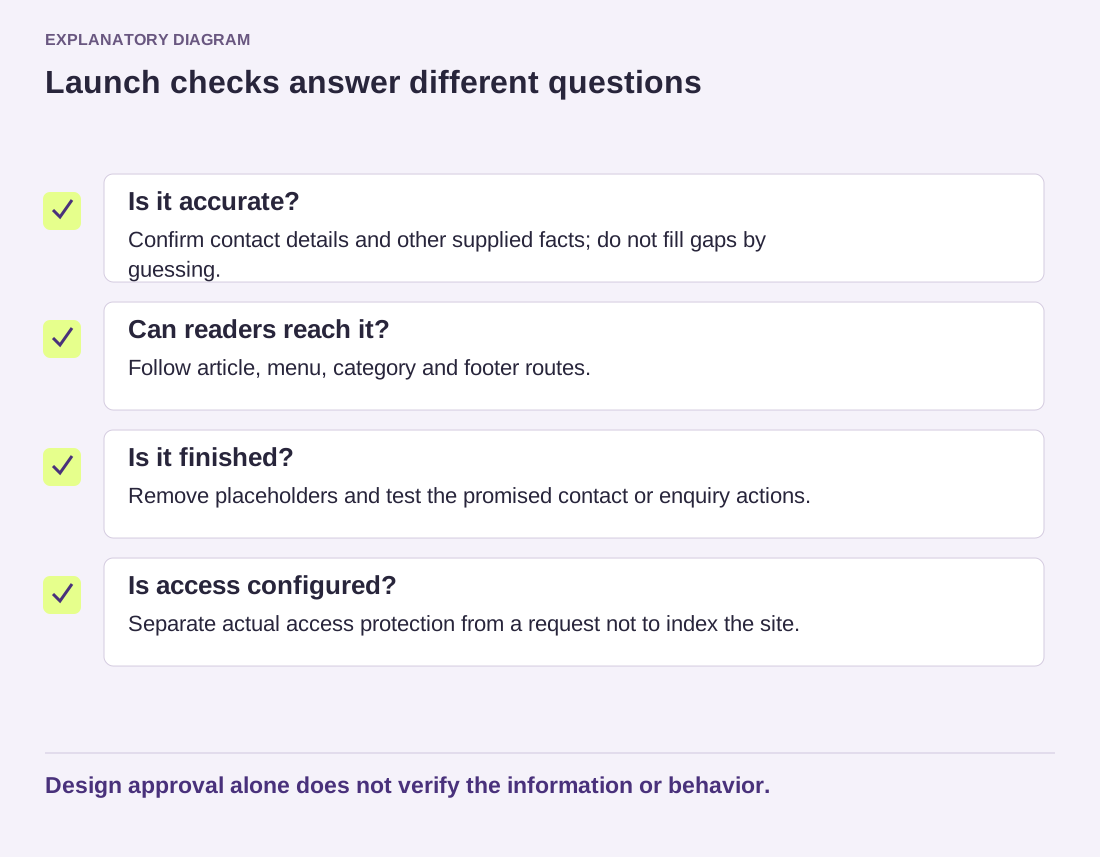
Read the diagram as text
- Is it accurate?: Confirm contact details and other supplied facts; do not fill gaps by guessing.
- Can readers reach it?: Follow article, menu, category and footer routes.
- Is it finished?: Remove placeholders and test the promised contact or enquiry actions.
- Is access configured?: Separate actual access protection from a request not to index the site.
Design approval alone does not verify the information or behavior.
Finish with a short sign-off note identifying the reviewed version and unresolved items. A typo corrected after the review is minor; adding a new form or a new content section can require another check of the affected area. Launch readiness means the current site does what it says with content you can stand behind, not that no future improvement will ever be possible.