Containers are useful when several blocks need to behave as one section. A Group can hold a heading, text and an image; a Row arranges items horizontally; a Stack arranges them vertically. The choice should follow the relationship between the content, not a desire to use every layout option in the editor.
Consider a short contact strip containing a label and two links. A Row may suit a wide screen because the items belong beside one another. A longer explanation with a heading and several paragraphs usually belongs in a vertical arrangement. For two substantial columns of independent content, a Columns layout may be easier to manage than forcing everything into one long row.
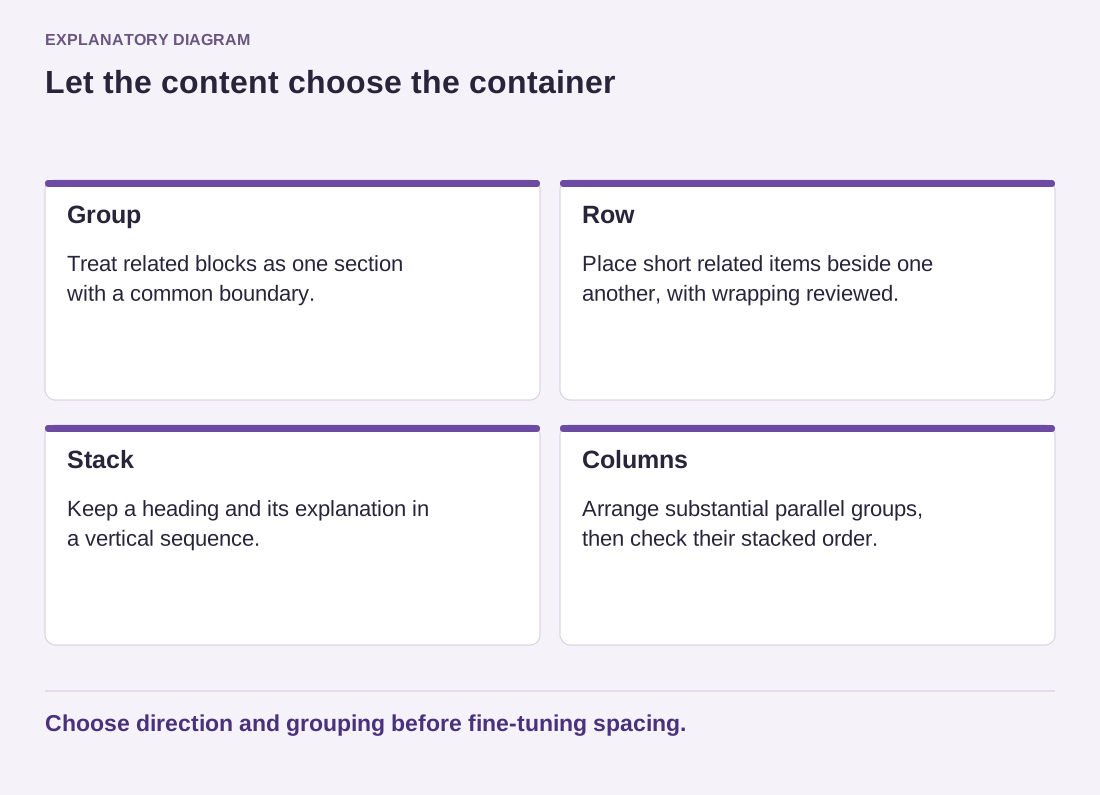
Read the diagram as text
- Group: Treat related blocks as one section with a common boundary.
- Row: Place short related items beside one another, with wrapping reviewed.
- Stack: Keep a heading and its explanation in a vertical sequence.
- Columns: Arrange substantial parallel groups, then check their stacked order.
Choose direction and grouping before fine-tuning spacing.
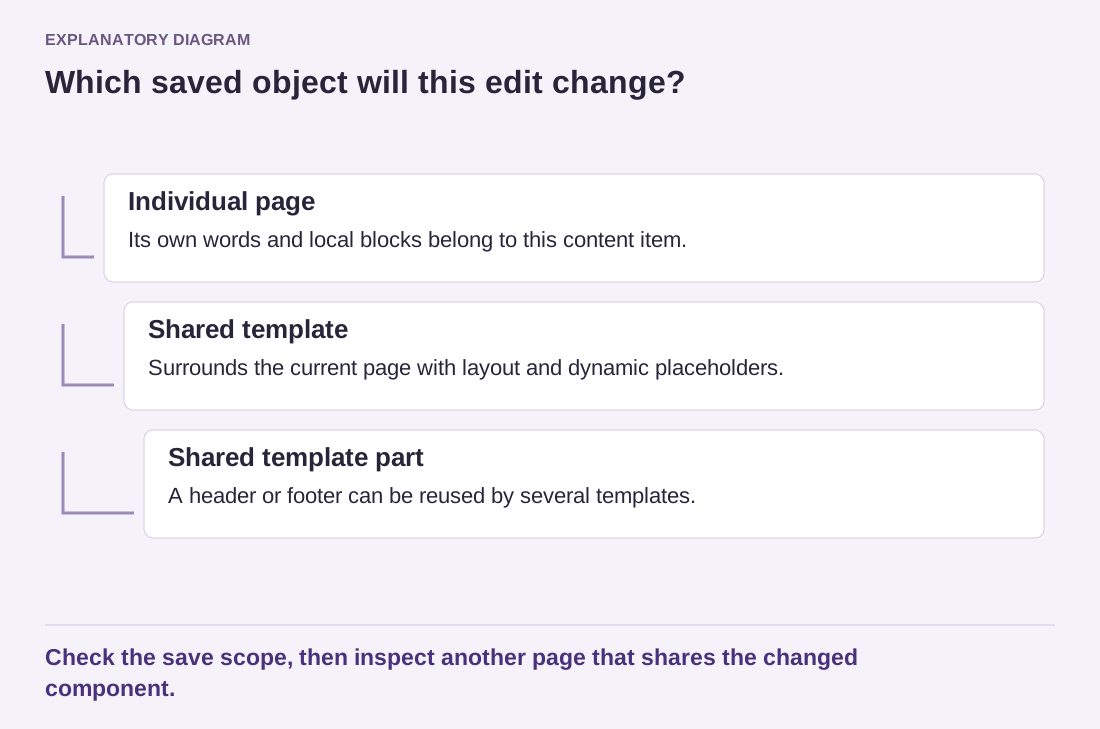
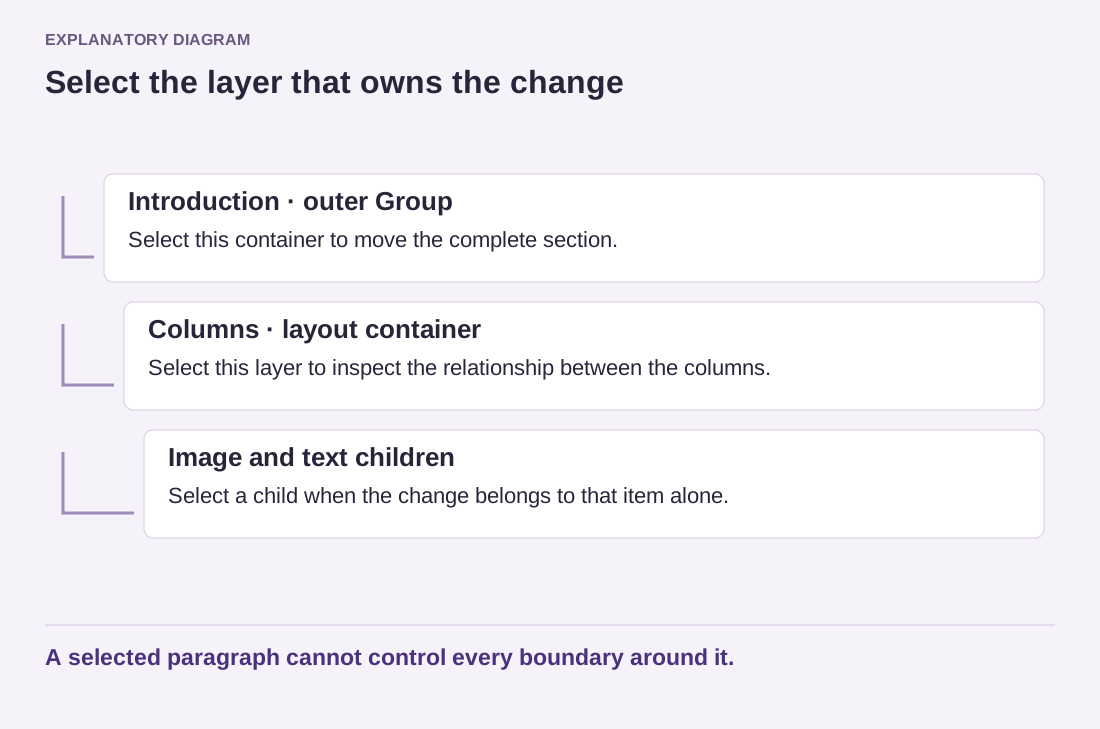
Select the parent container in List View before adjusting its layout. Otherwise, you may change the alignment of one child while expecting the whole section to move. The available controls vary with the theme and WordPress version, but the underlying questions remain the same: which direction do the children follow, how are they spaced, and what happens when room runs out?
Plan the narrow-screen behavior
A horizontal arrangement needs a response to limited width. Check wrapping, item sizes and the resulting reading order. Two short links may wrap comfortably; a large image beside a long paragraph may need a different structure. Do not assume that the desktop arrangement will simply shrink into a usable mobile layout.
Use spacing controls on the relevant container to create consistent gaps. Padding gives content breathing room inside a section, while the gap between children describes their relationship. Adding empty blocks to imitate these distances makes later editing harder, because the empty objects become part of the content sequence.
Keep nesting purposeful. One container for a section and another for a clear subgroup can be helpful; several anonymous containers around a single paragraph usually are not. Collapse the outline and read the section names to see whether the structure remains understandable. A good container choice makes the layout easier to change as text grows, rather than freezing one perfect arrangement that only works with today's wording.