A green confirmation can mean that the form accepted a submission and handed a message to a sending function. It does not necessarily mean that the recipient's mailbox received it. Contact Form 7 explicitly makes this distinction in its documentation, and the same question is worth asking about any form workflow.
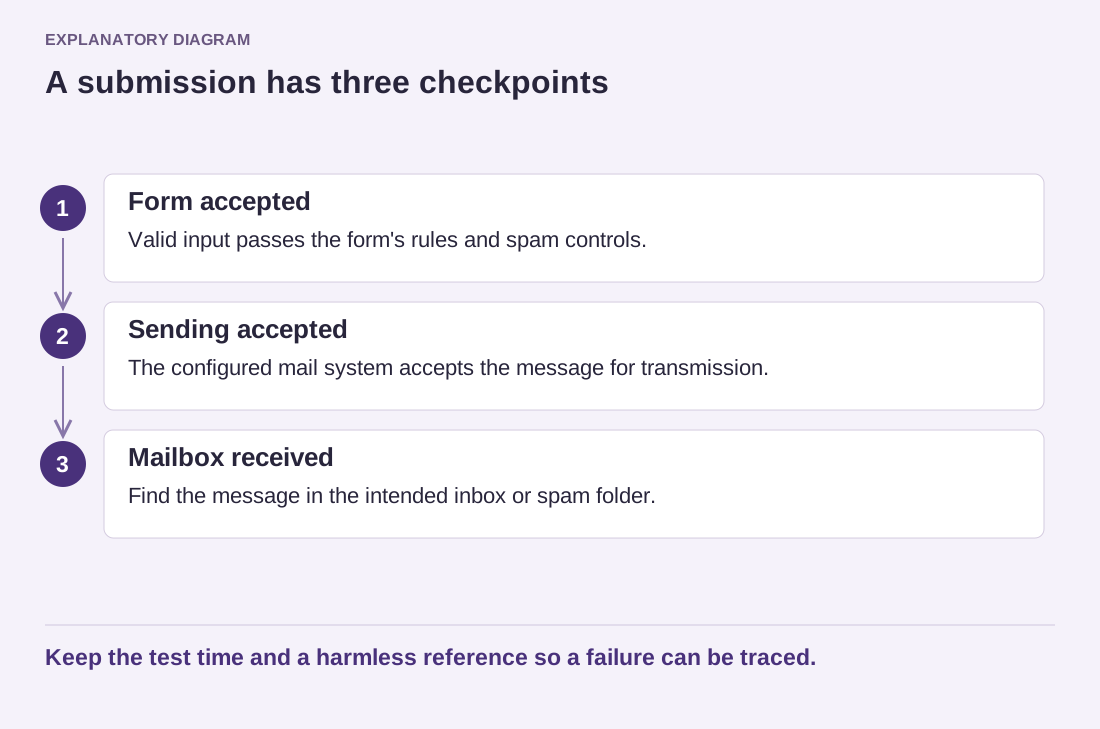
Treat submission, sending and delivery as separate checkpoints. First, did the website accept valid input? Second, did the mail system accept the message for transmission? Third, did the intended mailbox receive it, including its spam folder? A success at one checkpoint cannot answer the next question.
Read the diagram as text
- Form accepted: Valid input passes the form's rules and spam controls.
- Sending accepted: The configured mail system accepts the message for transmission.
- Mailbox received: Find the message in the intended inbox or spam folder.
Keep the test time and a harmless reference so a failure can be traced.
Use a recognizable test message with a date and a harmless reference, rather than real customer information. Submit through the public page while logged out. Keep the approximate time so the hosting or email provider can locate the relevant event if delivery fails.
Check the actual destination
Open the mailbox that will handle enquiries, not merely the administrator account used during setup. A form can be configured correctly for an address that nobody monitors. Confirm that replies go to the visitor's address as intended, while the sending identity follows the mail provider's requirements.
If the plugin stores entries, compare the saved entry with the received message. Check that optional fields, line breaks and accented names remain readable. If it does not store entries, decide whether that is acceptable and explain the operating procedure to the person who handles enquiries.
A failure should lead to evidence, not repeated random changes. Record the form, time, visible result and whether other site emails arrive. Ask the mail provider about its logs and authentication requirements. Avoid publishing credentials or complete customer messages in a support thread.
Repeat the end-to-end check after changing the destination address, mail service or form integration. A dashboard test email can help diagnose the sending layer, but it does not exercise the visitor's form, its field mapping or its spam controls. Keep at least one test that begins exactly where a real enquiry begins and finishes in the mailbox where someone will answer it.