A footer gives readers a place to look when they reach the end of a page or need supporting information. It does not need to repeat every link in the header. Decide which destinations are useful there: contact information through a contact page, relevant policies and perhaps a small selection of secondary sections.
Group links according to their purpose instead of filling evenly sized columns for appearance alone. A site with only three useful footer links does not need four empty headings. A larger publication may benefit from more structure, but each group should help someone locate a destination rather than decorate unused space.
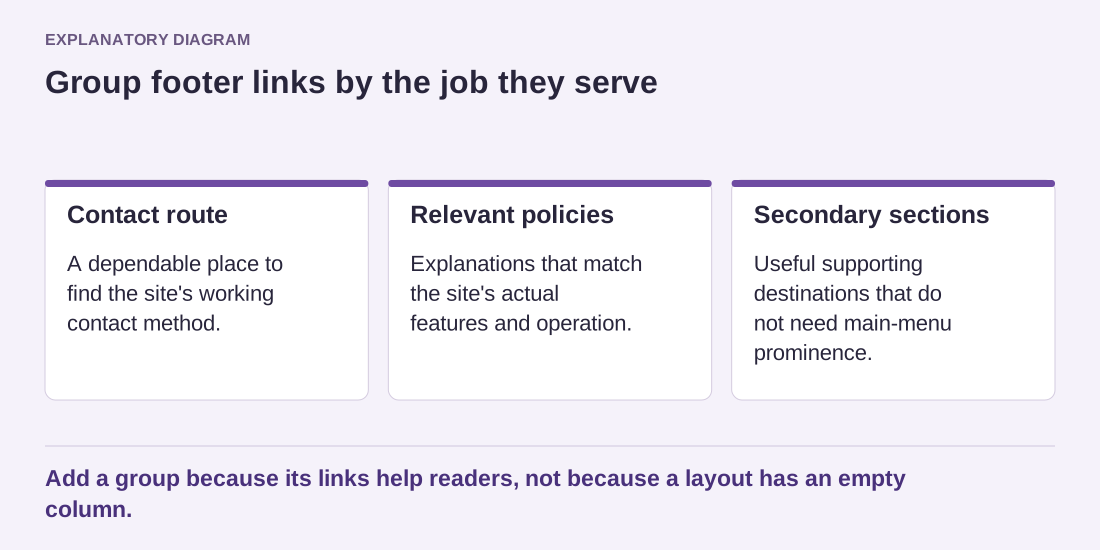
Read the diagram as text
- Contact route: A dependable place to find the site's working contact method.
- Relevant policies: Explanations that match the site's actual features and operation.
- Secondary sections: Useful supporting destinations that do not need main-menu prominence.
Add a group because its links help readers, not because a layout has an empty column.
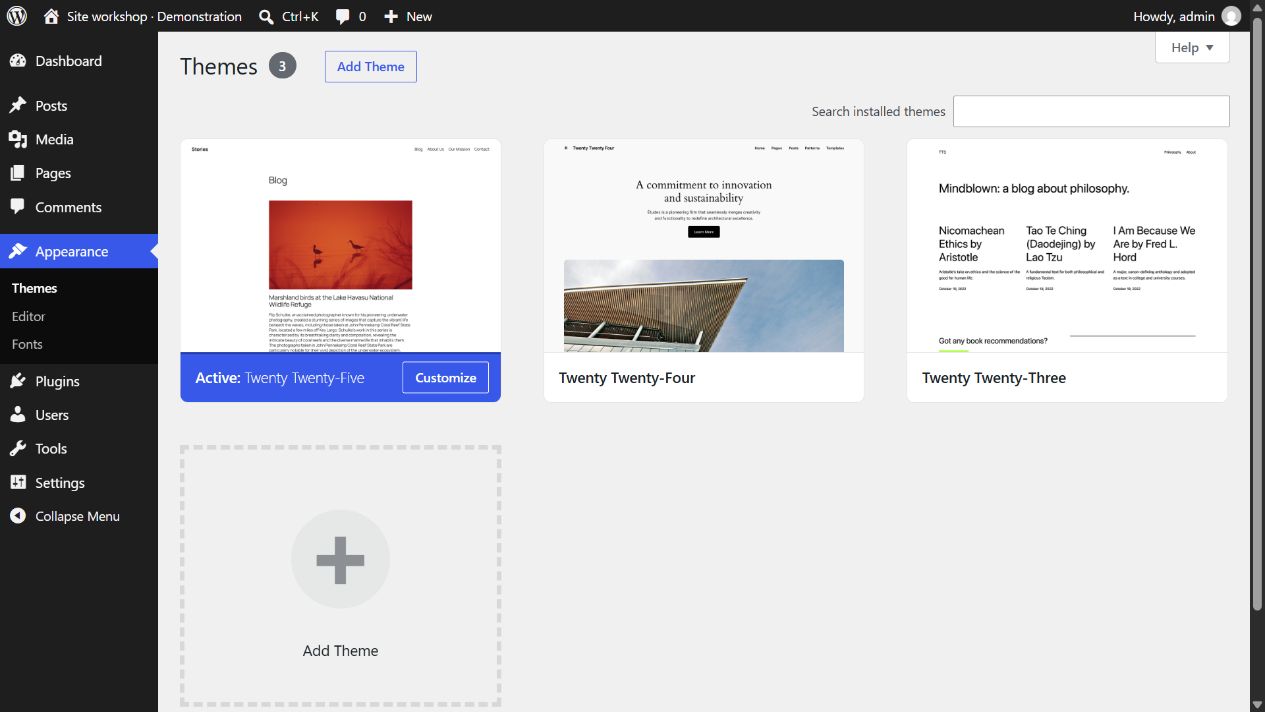
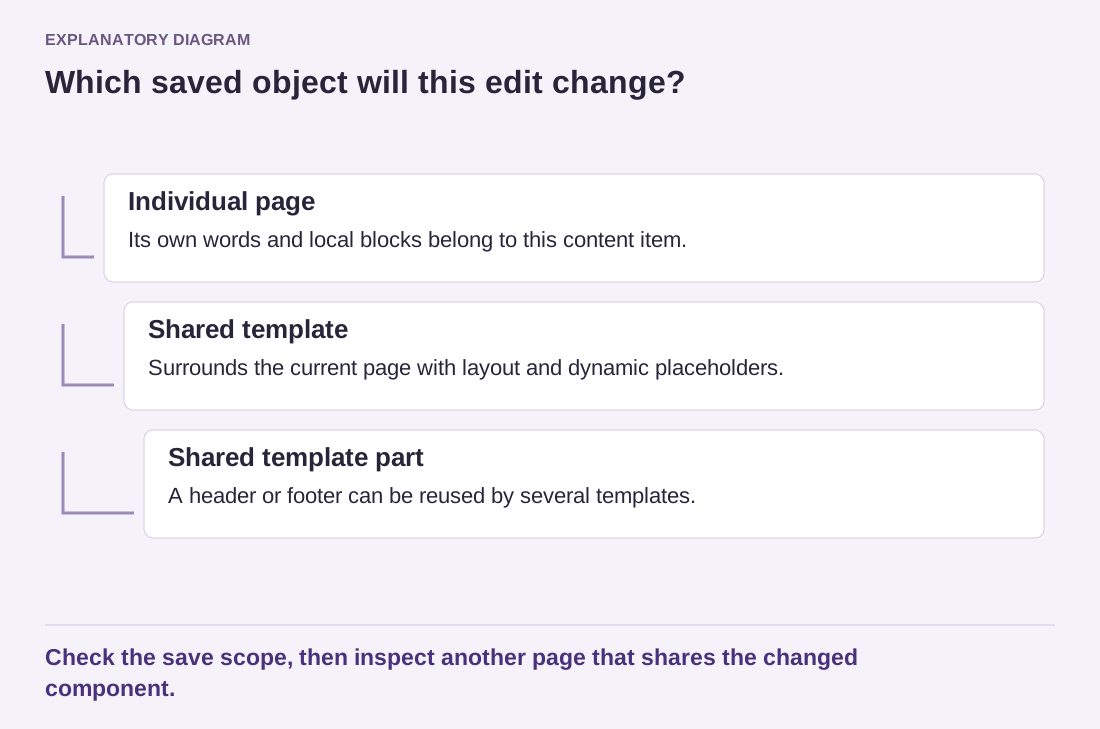
In a block theme, the footer may be a template part shared across several layouts. Edit that part when the change should apply wherever it is used. Check whether all intended templates reference the same footer. A special page can use another version, so one successful homepage preview does not prove complete consistency.
Keep legal and contact wording tied to the site's actual operation. A copyright line is not a substitute for required image attribution, and a policy link is not proof that the policy describes the current features. When the site adds a form or tracking service, the relevant explanation may need review even if the footer's design remains unchanged.
On a phone, verify that link groups retain a sensible order and do not become tightly packed. Match the typography of links with equal importance. A mixture of tiny policy links and oversized neighboring labels can look accidental and make the quieter destinations difficult to use. Also check keyboard focus and visible link states.
Finally, visit the footer from a long article, not only from a short homepage. Readers may arrive there after substantial scrolling, so the destinations should remain understandable without remembering the top of the page. A restrained footer works when it provides reliable supporting routes and closes the page cleanly. It does not need an extra slogan, social feed or decorative subscription form to justify its existence.