The featured image is a piece of post information that a theme can use in several places. It might appear above the article, inside an archive card or in a related-post layout. An ordinary Image block belongs to the article's body. Selecting one does not necessarily create the other, even when both use the same file.
That distinction explains a common surprise: a photograph appears twice at the top of a post. The author inserted it into the body, while the template also displays the featured image. Before deleting either version, decide which role the picture should have. The template may need the featured selection for article lists even if you do not want a second copy in the body.
Inspect the single-post template and the archive layout used by the active theme. Block themes can expose a Featured Image block within a template or Query Loop. Classic themes may control placement through their own options or code. Do not assume that a setting available in one theme exists in another.
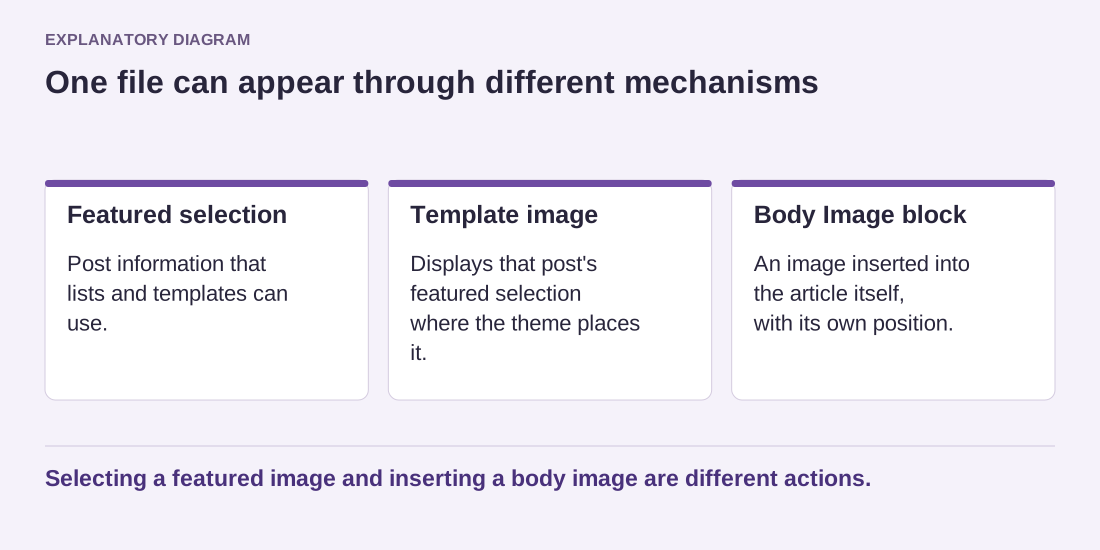
Read the diagram as text
- Featured selection: Post information that lists and templates can use.
- Template image: Displays that post's featured selection where the theme places it.
- Body Image block: An image inserted into the article itself, with its own position.
Selecting a featured image and inserting a body image are different actions.
Choose a picture that survives its different uses
An image that works as a wide hero may lose its important subject in a small card. Check the actual crops on both desktop and phone layouts. Essential words embedded in a photograph are especially vulnerable to cropping and scaling. Where possible, keep the important message in real text rather than relying on tiny lettering inside the image.
The featured image should identify the article honestly. A generic picture reused across unrelated subjects makes a list harder to scan. Select a relevant asset and write appropriate alternative text for its use. Decorative and linked-image contexts need thought; a library filename is not a useful description of the subject.
After replacing the image, open the article and at least one list where it appears. Verify that both reference the intended asset and that an old thumbnail is not simply being shown from cache. Keep the original file outside the publishing workflow so future crops can be made without repeatedly degrading an already compressed copy.